.png)



Every laptop, desktop, and tablet in your organisation has a lifespan. Buy it, deploy it, use it, refresh it, retire it. Simple in theory, but in practice, most businesses manage this reactively rather than strategically, which leads to unnecessary costs, avoidable security risks, and staff working on hardware that's well past its best.
This guide explains what device lifecycle management is, why it matters, and how to do it properly, whether you're managing ten devices or a thousand.
What Is Device Lifecycle Management?
Device lifecycle management (DLM) is the structured process of overseeing IT hardware from procurement through to secure disposal. It covers:
- Procurement: specifying, sourcing, and purchasing the right devices for each role
- Deployment: configuring, enrolling, and setting up devices so they're ready to use on day one
- In-life management: patching, monitoring, supporting, and asset tracking
- Refresh: identifying when devices need replacing and managing the transition
- Disposal: securely wiping or destroying data and disposing of hardware responsibly
Done well, DLM means your organisation always has a clear view of what hardware it owns, who has what, and when each device is due for replacement.
The Cost of Getting It Wrong
Poorly managed device lifecycles cost money in ways that aren't always immediately visible:
Ageing Hardware and Productivity Loss
A laptop that takes three minutes to boot and struggles with video calls isn't just irritating, it's expensive. If a member of staff loses 20 minutes a day to device slowness, that adds up to over 80 hours a year. Across a team of 20, that's the equivalent of two full working weeks, every year.
Security Vulnerabilities
Older operating systems reach end of support, at which point they no longer receive security patches. Any device running an end-of-support OS is a live vulnerability in your network. Without systematic lifecycle tracking, it's easy for these devices to persist long past their security expiry date.
Higher Support Costs
Older hardware generates more helpdesk tickets, requires more engineer time, and is more likely to fail at inconvenient moments. The support cost of an ageing estate often exceeds the cost of replacing it.
Compliance Gaps
Many regulatory frameworks, including Cyber Essentials, ISO 27001, and sector-specific requirements, require that devices be patched, supported, and inventoried. An organisation that can't demonstrate control over its device estate may struggle to pass audits or win contracts that require evidence of security posture.
Establishing a Refresh Cycle
The most important structural decision in device lifecycle management is determining your refresh cycle, how long you keep devices before replacing them.
Common approaches:
- Three-year cycle: common in larger enterprises and organisations with high device utilisation. Devices stay current, security risks are minimised, and staff always have reasonably capable hardware.
- Four-year cycle: the most common in UK SMEs. Balances cost and currency reasonably well, though devices typically need good specification at procurement to remain adequate in year four.
- Five-year cycle: can work for lower-intensity roles (e.g. reception desks, shared workstations) but often leads to productivity and security problems for knowledge workers.
The right cycle depends on role intensity, device specification at purchase, and your organisation's risk appetite. A mix of cycles across different device categories is often sensible.
Device Deployment: The First 24 Hours Matter
A poorly configured device handed to a new employee on day one sets a bad impression, and costs IT time to sort out afterwards. Zero-touch deployment, using tools like Microsoft Autopilot or Apple Business Manager, allows devices to be pre-configured before they leave the box. The user signs in with their corporate credentials and the device configures itself automatically.
This approach:
- Saves IT significant time per device
- Ensures consistent security configuration across all devices
- Allows devices to be shipped directly to remote workers without IT intervention
- Creates a complete configuration record from day one
Asset Tracking and Inventory
You can't manage what you can't see. A live IT asset register, listing every device, its specification, its assigned user, its location, and its refresh date, is the foundation of good lifecycle management.
This doesn't require expensive software. For smaller organisations, a well-maintained spreadsheet can be sufficient. For larger estates, a dedicated IT asset management (ITAM) tool or an integrated mobile device management (MDM) platform provides automation: devices self-register, usage is tracked, and refresh alerts are generated automatically.
Secure Disposal: The Step Most Businesses Get Wrong
Device disposal is where lifecycle management most often breaks down. Common mistakes:
- Passing old laptops to staff for personal use without wiping corporate data first
- Storing retired devices in a cupboard rather than disposing of them, maintaining a phantom asset list and unnecessary insurance liability
- Using standard operating system wipes (which are recoverable) rather than certified data destruction
- Not keeping a certificate of destruction for GDPR compliance purposes
Certified data destruction, either a NIST-standard secure wipe or physical destruction of the storage media, should be standard practice for any device leaving your control. A reputable IT provider will supply a certificate for each device destroyed.
Working with a Managed IT Provider
For businesses without dedicated IT resource, device lifecycle management is often one of the strongest arguments for working with a managed IT provider. A good partner will:
- Maintain your asset register and flag devices approaching end of life
- Handle procurement, configuration, and deployment
- Manage in-life support and patching
- Plan and execute refresh cycles with minimal disruption
- Handle secure disposal with full documentation
Unsure where your device estate currently stands? future® Office provides IT device lifecycle management as part of its Workplace IT services, from procurement and deployment through to secure disposal. Find out more about our Workplace IT service.
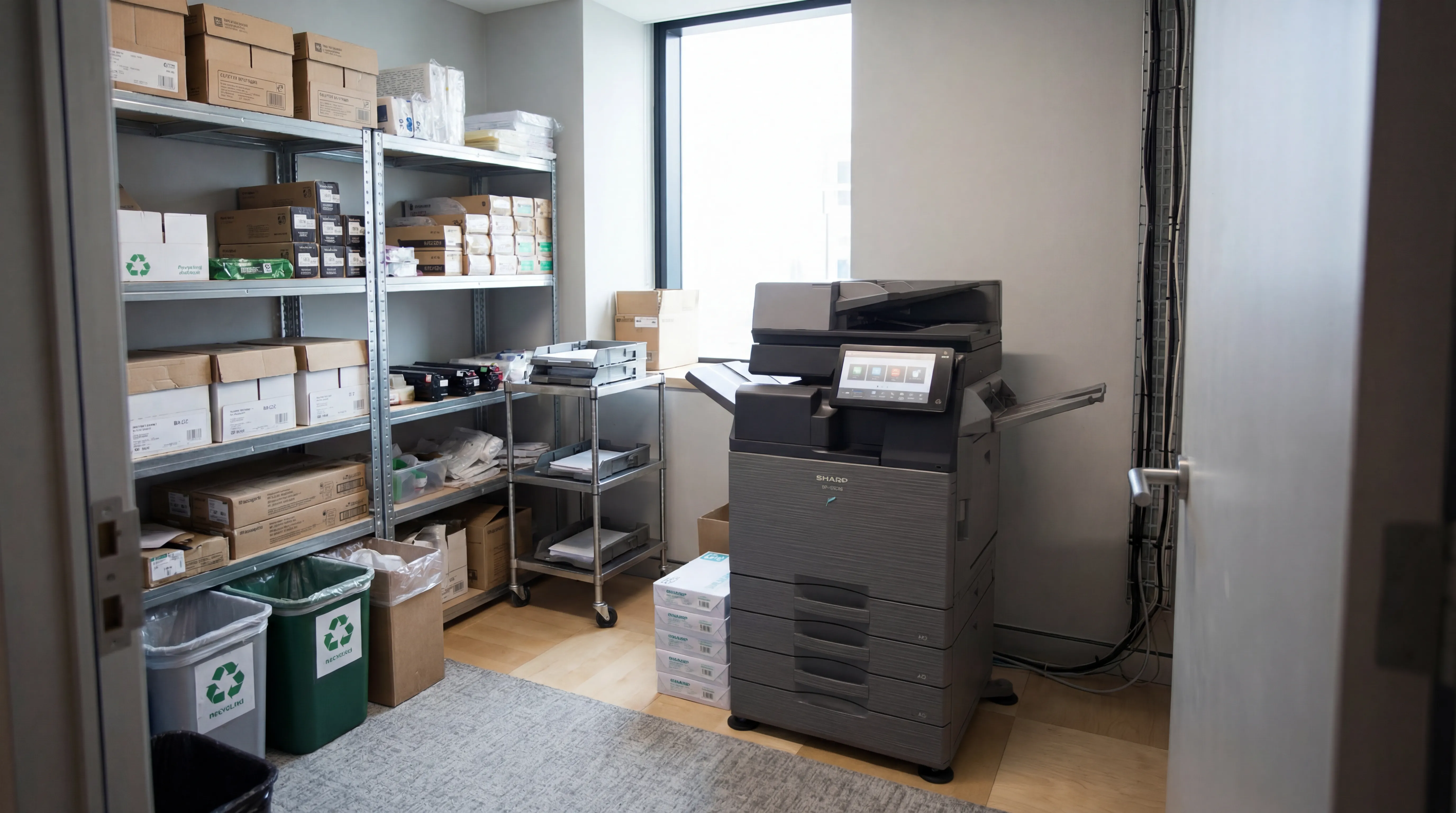
Managed Print
Reduce print costs, eliminate downtime, and keep your devices running with a managed print service tailored to your business.

Workplace IT
From device procurement to lifecycle management, we keep your teams equipped with the right technology.

Meeting Rooms
Professional video conferencing, presentation systems, and collaboration tools that make every meeting count.
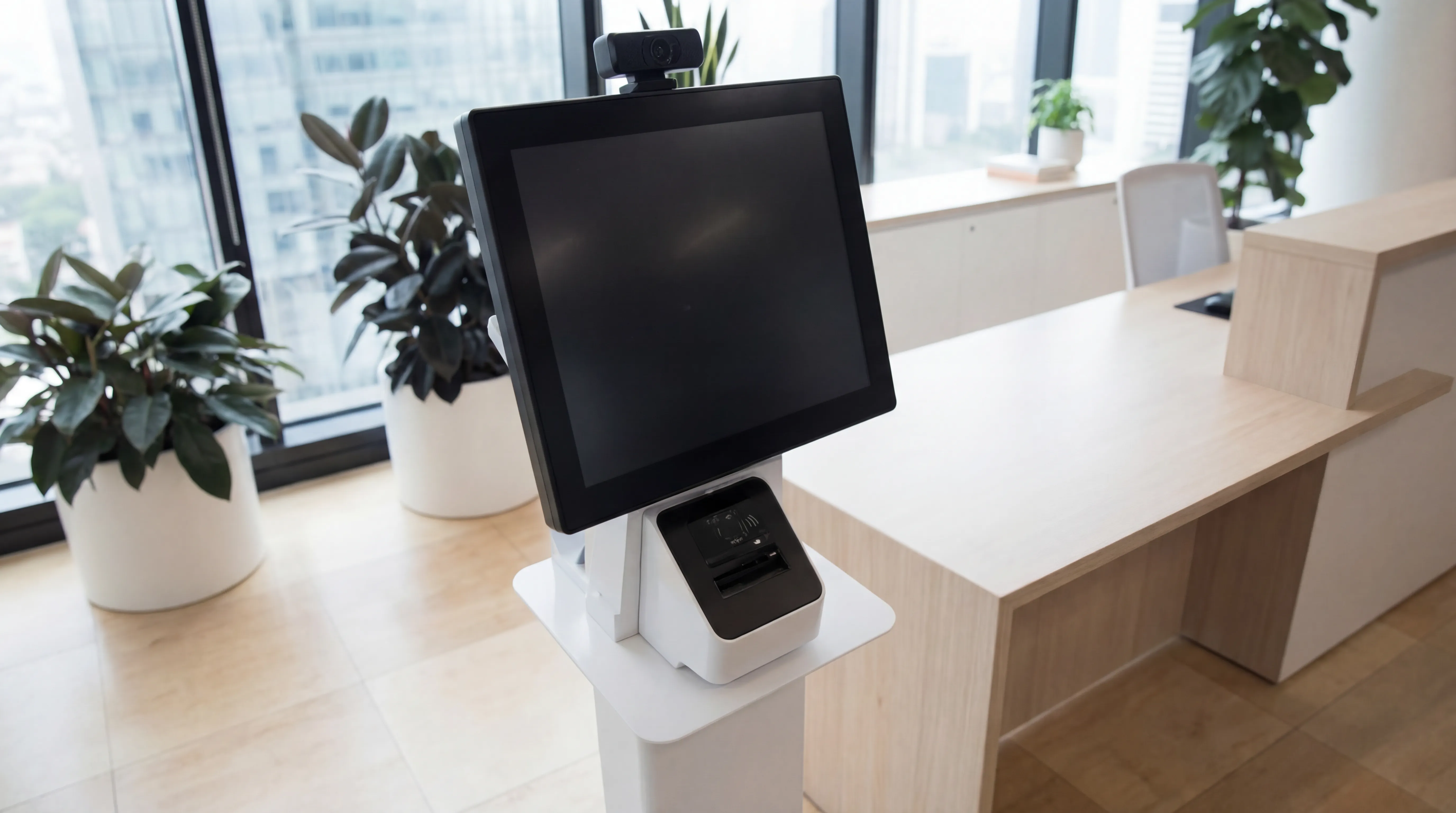
Visitor Systems
Modern digital sign-in, badge printing, and GDPR-compliant visitor management for a professional first impression.
Ready to discuss your workplace technology?
Talk to the team today. We will assess your needs, build you a tailored solution, and support you every step of the way.