.png)


Microsoft Teams Rooms for UK Businesses
future® Office designs, installs and supports certified Microsoft Teams Rooms solutions that give your meeting spaces a professional experience.
Microsoft Teams Rooms Challenges UK Businesses Face
Joining Teams Calls Is Often Unreliable
Staff default to laptops for Teams calls because the room system is inconsistent or slow to connect.
Inconsistent Setup Across Meeting Rooms
Some rooms work for Teams and others don't, creating confusion and lowering adoption.
Non-Certified Hardware Problems
Uncertified cameras and audio bars are used but perform poorly, damaging the quality of every call.
No Management of Room Devices
IT teams have no single way to monitor, update or manage the Microsoft Teams Rooms estate.
A Certified Teams Rooms Deployment Done Properly
We Specify Only Certified Teams Rooms Hardware
Every camera, audio system and compute device we install is Microsoft Teams Rooms certified, ensuring full compatibility.
We Configure and Commission the Full Room System
From Teams Rooms licensing and account configuration to device pairing and network optimisation, we handle the technical setup.
We Manage Your Rooms via Teams Admin Centre
After deployment, your rooms are supported and managed by us and most issues are resolved without the need for on-site IT visits.
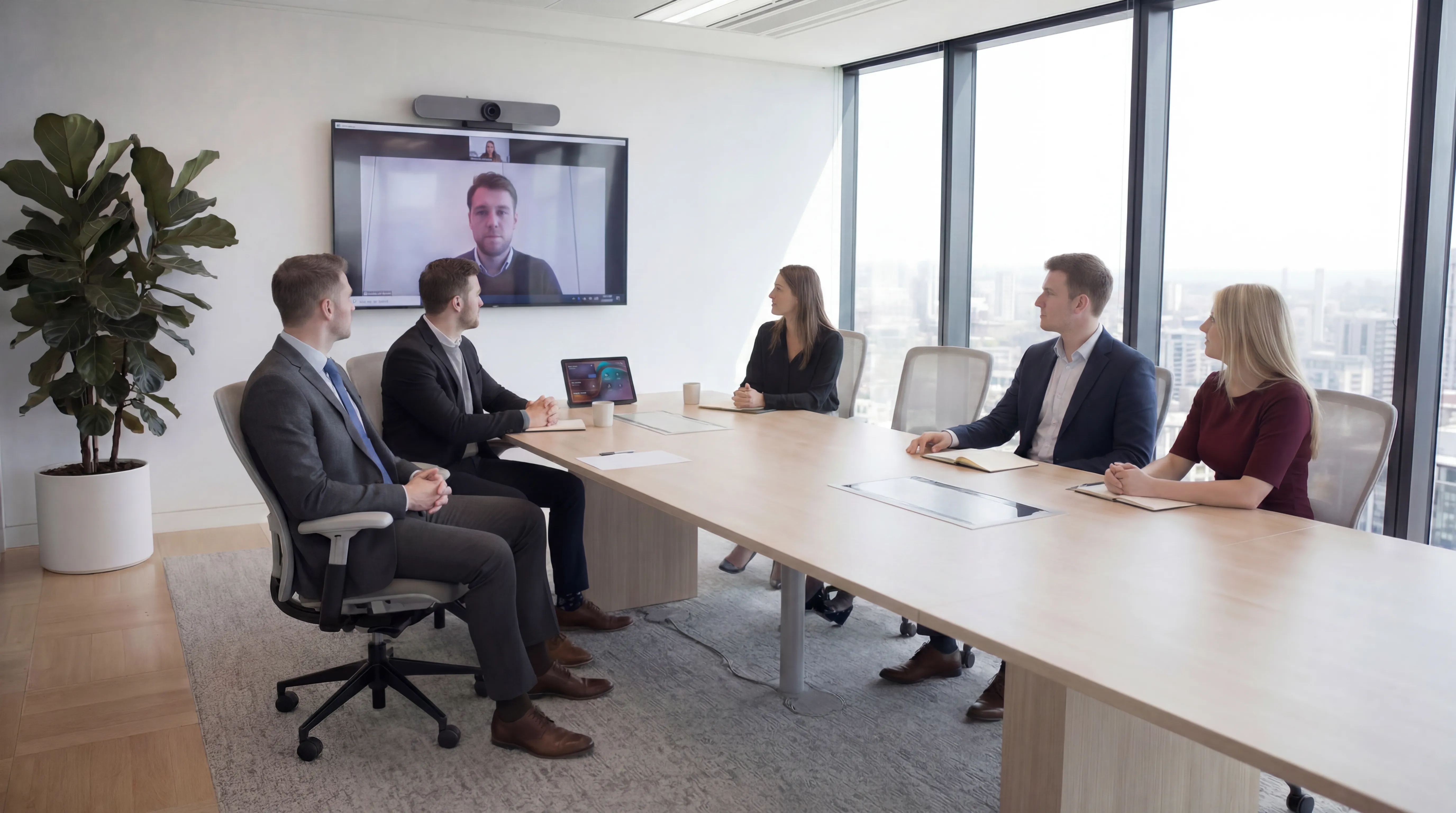
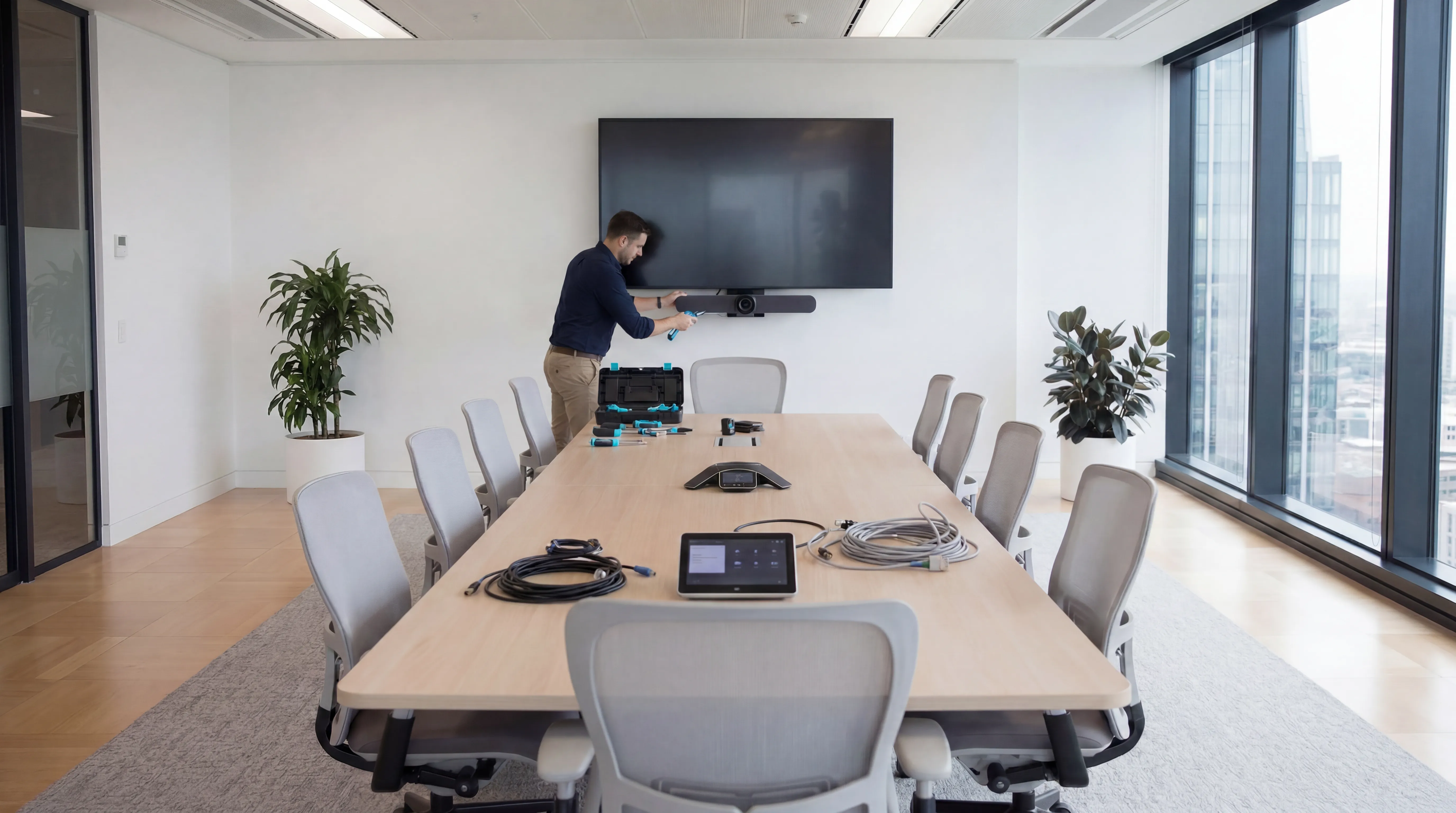

What a Properly Deployed Teams Rooms Estate Delivers
When every room runs certified Teams Rooms hardware and is centrally managed, your team gets a consistent, professional meeting experience that actually gets used.
.png)
Microsoft-Certified Hardware Throughout
One-Touch Meeting Join
Consistent Experience Across All Rooms
Centralised Remote Management
Integrated with Your M365 Environment
Scalable Across Multiple Sites
Technology built around your sector
Every industry faces different operational pressures, compliance requirements, and budget constraints.
.png)
What our customers say
Hundreds of UK organisations trust future® Office to keep their workplaces running smoothly.

Your questions answered...
Find quick answers to common questions about our services, support and how we work.
Still have questions?
Our team is happy to help. Call us, email us, or request a call back at a time that suits you.
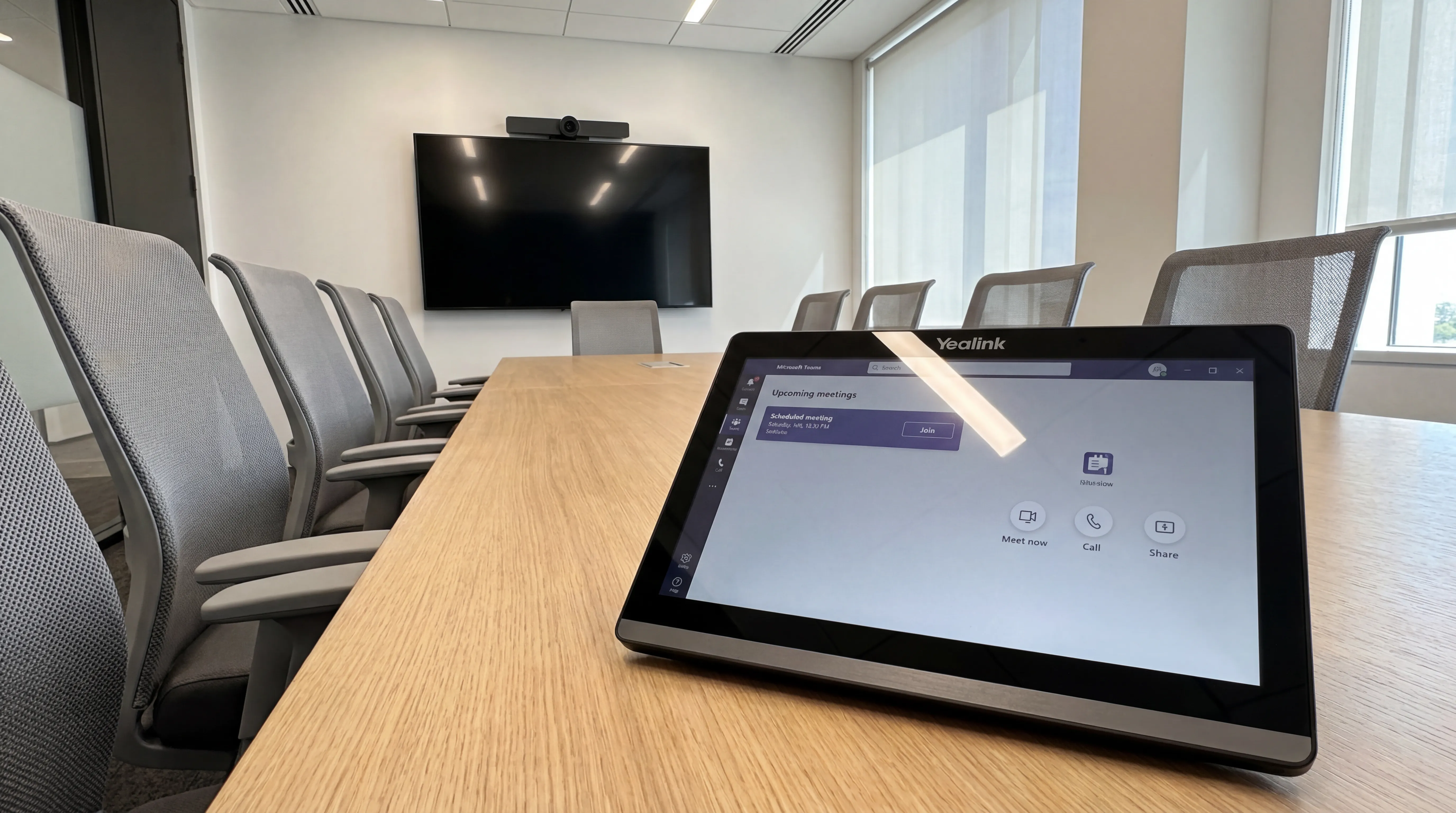
A Microsoft Teams Room is a dedicated room system running the Teams Rooms application on certified hardware. It provides a one-touch join experience on a shared room account, rather than requiring an individual to start the call from their personal laptop.
Yes. We exclusively specify hardware that is certified by Microsoft for Teams Rooms, including camera systems, compute bars and audio solutions from approved manufacturers such as Logitech, Poly, Yealink and Lenovo.
You will need a Microsoft Teams Rooms Basic or Teams Rooms Pro licence per room. We can advise on the right licence tier based on the features you require and can help procure licences as part of the project.
Yes. We handle multi-site deployments with a consistent design standard across all locations, ensuring the same one-touch experience whether staff are in your London office or a regional branch.
We provide ongoing support through a combination of remote monitoring via Teams Admin Centre and a dedicated support line. Most issues are resolved remotely without the need for an engineer visit.
Still have questions?
Our team is happy to help. Call us, email us, or request a call back at a time that suits you.
Ready to discuss your workplace technology?
Talk to the team today. We will assess your needs, build you a tailored solution, and support you every step of the way.