.png)


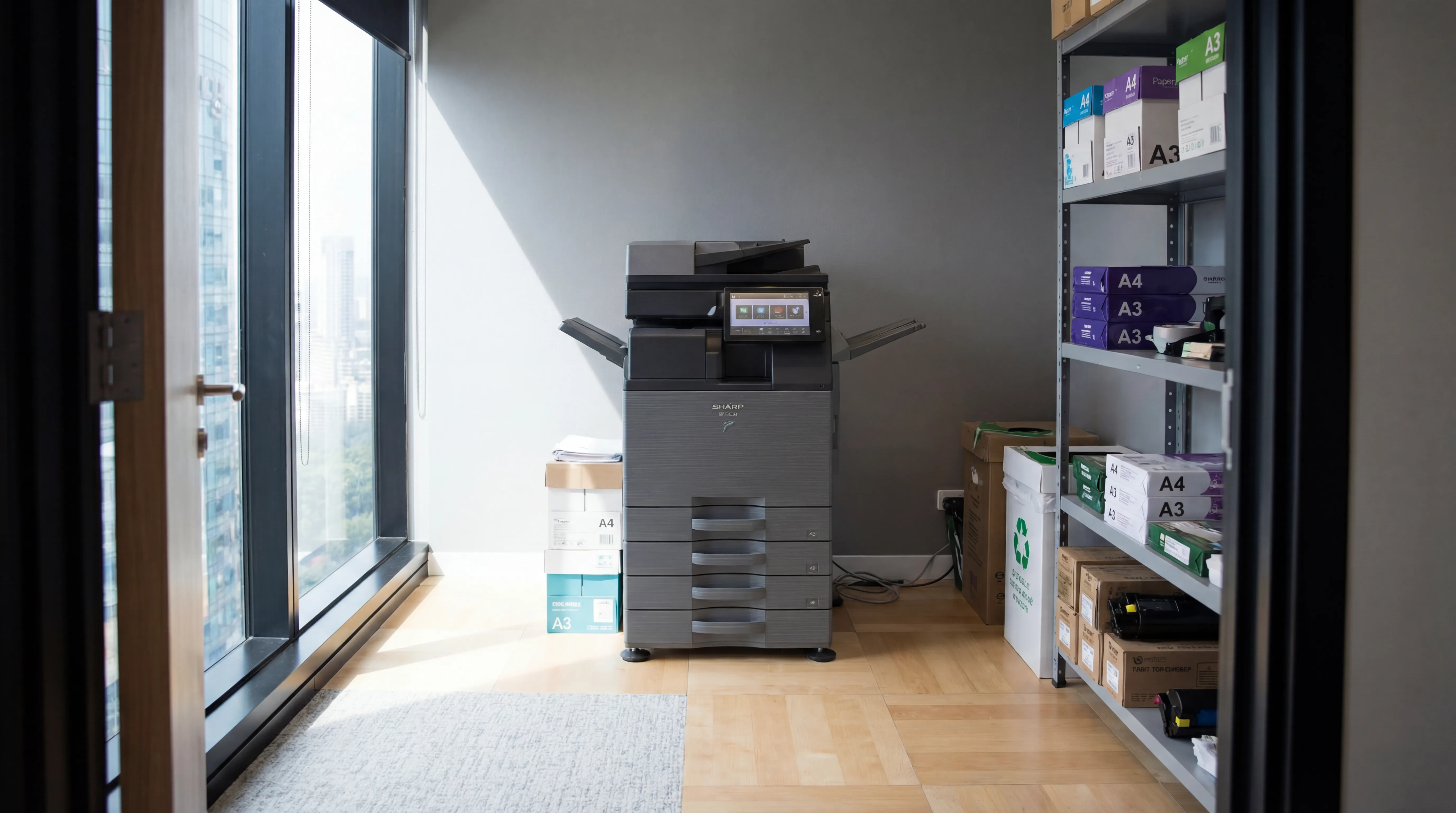
The shift to hybrid working has quietly made print infrastructure more complicated. When staff move between home, the office, and client sites, the traditional model, print driver installed on a work laptop, connected to an office printer, starts to break down. Cloud print management is the solution more UK organisations are adopting, and this guide explains what it is, how it works, and whether it's the right fit for your environment.
The Problem with Traditional Print Infrastructure
Legacy print setups rely on direct network connections and locally installed print drivers. They work well when everyone is in the same building, connected to the same network. They create problems when:
- Staff work from home and need to print documents when they're in the office the next day
- The business has multiple offices, each with its own printer fleet, requiring drivers for each site
- Employees use a mix of corporate and personal devices that aren't all enrolled in the same domain
- IT wants to manage a dispersed print fleet without visiting each location
The result is a support burden for IT teams, frequent "I can't print" helpdesk tickets, and inconsistent user experience.
What Cloud Print Management Does Differently
Cloud print management moves the print infrastructure, the server, the queues, the driver management, into the cloud rather than hosting it on-premise. Users connect to the print service via their internet connection and authenticate using their corporate identity (typically their Microsoft 365 or Google Workspace account).
Key capabilities include:
- Serverless print architecture: no dedicated print server to maintain, patch, or worry about failing
- Device-agnostic access: users can print from any enrolled device, Windows, Mac, Chromebook, iOS, Android, without manually installing printer-specific drivers
- Location-independent print: staff can submit a job from home and release it when they arrive at the office, using secure print release
- Centralised management: IT can deploy printers, manage policies, and monitor usage across all sites from a single console
Universal Print and Microsoft 365 Integration
For organisations already using Microsoft 365, Microsoft Universal Print is worth understanding. It's a cloud-based print service built into the M365 ecosystem that allows printers to be registered directly in Azure and managed through the same admin portals used for everything else in the Microsoft stack.
Benefits for M365 customers:
- No print server required
- Printers managed through Microsoft Entra ID (formerly Azure AD), using existing identity and access management
- Works natively with Intune-managed devices
- Reporting and usage data accessible through the same admin console
Not all printers support Universal Print natively, but most modern MFDs can be connected via a connector application, and many managed print providers now include Universal Print readiness as part of deployment.
Multi-Site Businesses: Simplifying the Fleet
For businesses operating across multiple UK locations, cloud print management delivers a particularly significant benefit: a single fleet view across all sites.
In a traditional setup, each site might have its own print server, its own driver configuration, and its own IT contact managing the devices locally. With a cloud-managed approach:
- All devices appear in one management console regardless of location
- Print policies (colour restrictions, duplex defaults, secure release) are consistent across all sites
- Usage reporting can aggregate data across the entire organisation or filter by site
- A member of staff visiting a different office can print without any setup
Security Considerations for Cloud Print
Moving print infrastructure to the cloud doesn't reduce the need for security controls, it changes where they're applied. Key considerations:
- Identity-based access: ensure print access is tied to corporate identity and revoked when someone leaves
- Data in transit: confirm that print jobs are encrypted in transit between the user's device, the cloud service, and the printer
- Secure release: cloud print and secure release work well together, jobs stay in the cloud queue until the user authenticates at the device
- Audit logging: cloud platforms typically provide detailed audit logs that support both IT security and compliance requirements
Is Cloud Print Right for Your Business?
Cloud print management is particularly well suited to:
- Hybrid working environments where staff split time between office and home
- Multi-site organisations that want consistent, centralised print management
- Businesses migrating to a cloud-first IT infrastructure
- IT teams that want to reduce print-related helpdesk load
- Organisations already invested in Microsoft 365 with Universal Print licences available
It's less compelling for single-site businesses with a stable, on-premise IT setup and no hybrid working, in those cases, a traditional managed print service may be simpler and equally effective.
Making the Transition
Migrating to cloud print management doesn't have to be disruptive. A phased approach, registering devices in the cloud platform, enrolling users, then decommissioning the legacy print server, can be managed with minimal downtime. Your managed print provider should be able to project-manage this transition as part of a new service deployment.
Thinking about modernising your print setup for hybrid working? future® Office can help you evaluate cloud print options and design a setup that works across all your locations. Talk to the team about your requirements.
Managed Print
Reduce print costs, eliminate downtime, and keep your devices running with a managed print service tailored to your business.

Workplace IT
From device procurement to lifecycle management, we keep your teams equipped with the right technology.

Meeting Rooms
Professional video conferencing, presentation systems, and collaboration tools that make every meeting count.
Visitor Systems
Modern digital sign-in, badge printing, and GDPR-compliant visitor management for a professional first impression.
Ready to discuss your workplace technology?
Talk to the team today. We will assess your needs, build you a tailored solution, and support you every step of the way.