.png)


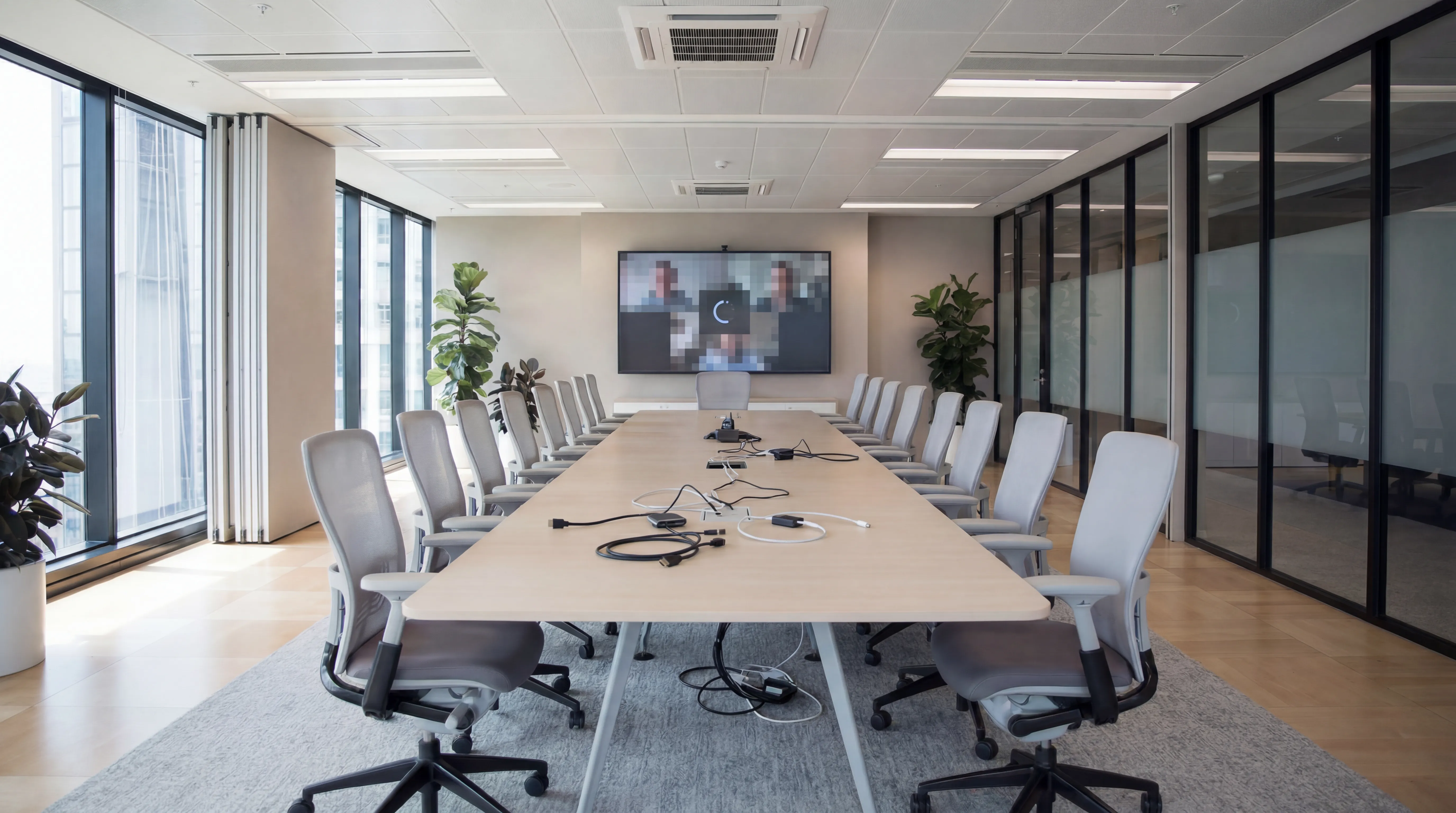
A meeting room can have excellent technology and still deliver a poor experience. The technology is only as good as the room it sits in. Poor acoustics, bad lighting, thoughtless furniture layout, and cable chaos can each undermine even a high-quality AV investment. This post covers the most common meeting room design errors and how to address them, whether you're fitting out a new space or improving an existing one.
Mistake 1: Ignoring Acoustics
Acoustics is the most consequential and most commonly overlooked element of meeting room design. A room with hard floors, glass walls, and no soft furnishings will generate echo and reverberation that makes everyone difficult to understand, regardless of how good the microphone is.
Good acoustic treatment doesn't require expensive specialist products. Carpet (or a rug), soft seating, acoustic ceiling tiles, and wall-mounted fabric panels all absorb sound and reduce reverberation meaningfully. The goal is a room where a normal conversation sounds clear and contained, not bouncy and echoey.
For rooms where glass partitioning is required architecturally, acoustic glazing or laminated glass helps. Internal blinds on glass walls also reduce reflections.
Mistake 2: Putting the Camera in the Wrong Place
A camera mounted at the wrong height or angle will produce unflattering footage that makes in-room participants appear unprofessional to remote attendees. Best practice:
- Camera should be at or close to eye level for seated participants, typically mounted below the display, not above it
- Camera should be positioned to frame all participants without needing to tilt significantly up or down
- In rooms with a long table, consider a camera at each end or a wide-angle camera that can frame the full room
- Avoid mounting cameras in front of windows, the backlight silhouettes participants and makes them hard to see
Mistake 3: Undersized or Incorrectly Positioned Displays
A display that's too small means participants at the back of the room can't read shared content. A display positioned so that participants have to turn away from the camera to view it makes the room feel awkward and the video call fragmented.
Display sizing guidance: for every metre of viewing distance, you need approximately 25 inches of screen diagonal. A room where the furthest seat is 3 metres from the screen needs at least a 75-inch display. For rooms with wide tables, dual displays, one for remote participants, one for shared content, improve the experience significantly.
Display height: the bottom of the display should typically be at eye level for seated participants (around 1 metre from the floor), not mounted high on the wall as a television would typically be installed at home.
Mistake 4: Cable Chaos
In BYOD rooms, the means by which participants connect their laptop to the room's display should be obvious, reliable, and cable-managed. Exposed cables trailing across tables look unprofessional and create tripping hazards. Dongles left in a drawer become a lottery.
Solutions:
- Flush-mounted table connection points with HDMI, USB-C, and power, professional and tidy
- Wireless presentation systems (Barco ClickShare, BenQ InstaShow) eliminate cable requirements entirely for screen sharing
- Cable raceways or trunking routed along the table and wall keep permanent cables tidy
- A standard adapter kit (USB-C to HDMI, Mini DisplayPort to HDMI) stored in the room and clearly labelled
Mistake 5: Poor Lighting
Lighting affects how participants appear on camera. The most common problem is overhead lighting that creates harsh shadows on faces. A secondary issue is inconsistent lighting, some participants brightly lit, others in shadow.
Best practice:
- Even, diffuse lighting across the participant area, LED panels with diffusers work well
- Avoid positioning people so they face windows (backlit by daylight), window blinds help manage this
- A colour temperature of 4000-5000K (cool white) looks natural on camera and in person
- Consider independently controllable lighting zones so the display area can be dimmed for presentations without leaving participants in darkness
Mistake 6: Tables That Face the Wrong Direction
In a hybrid meeting, the worst seating arrangement is one where some participants sit with their backs to the camera. This means the camera captures the backs of heads rather than faces, and those participants appear disengaged to remote attendees.
Ideally, all seats should face the camera. Long rectangular tables can work if the camera is positioned at one end and all participants face it. U-shaped or oval arrangements work well for larger rooms. Arrangements where participants sit on the side of the table facing the display, with their backs to the camera, are problematic for hybrid meetings and worth rethinking.
Mistake 7: No Consideration for Noise Isolation
A meeting room that can be overheard from adjacent work areas, or that picks up noise from outside, creates two problems: confidentiality risk (sensitive conversations heard externally) and audio quality problems (background noise picked up by microphones and transmitted to remote participants).
For rooms in open-plan offices, acoustic partitioning, acoustic ceiling treatment that extends above partition height, and door seals all help. For new fit-outs, specify acoustic ratings for partition systems at the design stage, retrofitting is much more expensive.
Mistake 8: No Power Where It's Needed
Participants who arrive at a meeting with a low battery laptop spend the first five minutes looking for a power socket. Meeting tables without integrated power points create cable clutter as participants route extension leads to wall sockets.
Integrated table power, USB-A, USB-C PD (Power Delivery), and mains sockets, makes the room function smoothly. For existing rooms where table replacement isn't practical, surface-mounted desktop units are a simpler retrofit.
Bringing It Together
A well-designed meeting room doesn't happen by accident, it requires coordinated decisions about acoustics, furniture, lighting, AV hardware, and cabling that are most effectively made together, before fit-out, rather than retrofitted one issue at a time.
Designing a new meeting room or upgrading an existing one? future® Office provides end-to-end meeting room design and installation services. Get in touch to start a conversation.
Managed Print
Reduce print costs, eliminate downtime, and keep your devices running with a managed print service tailored to your business.
Workplace IT
From device procurement to lifecycle management, we keep your teams equipped with the right technology.
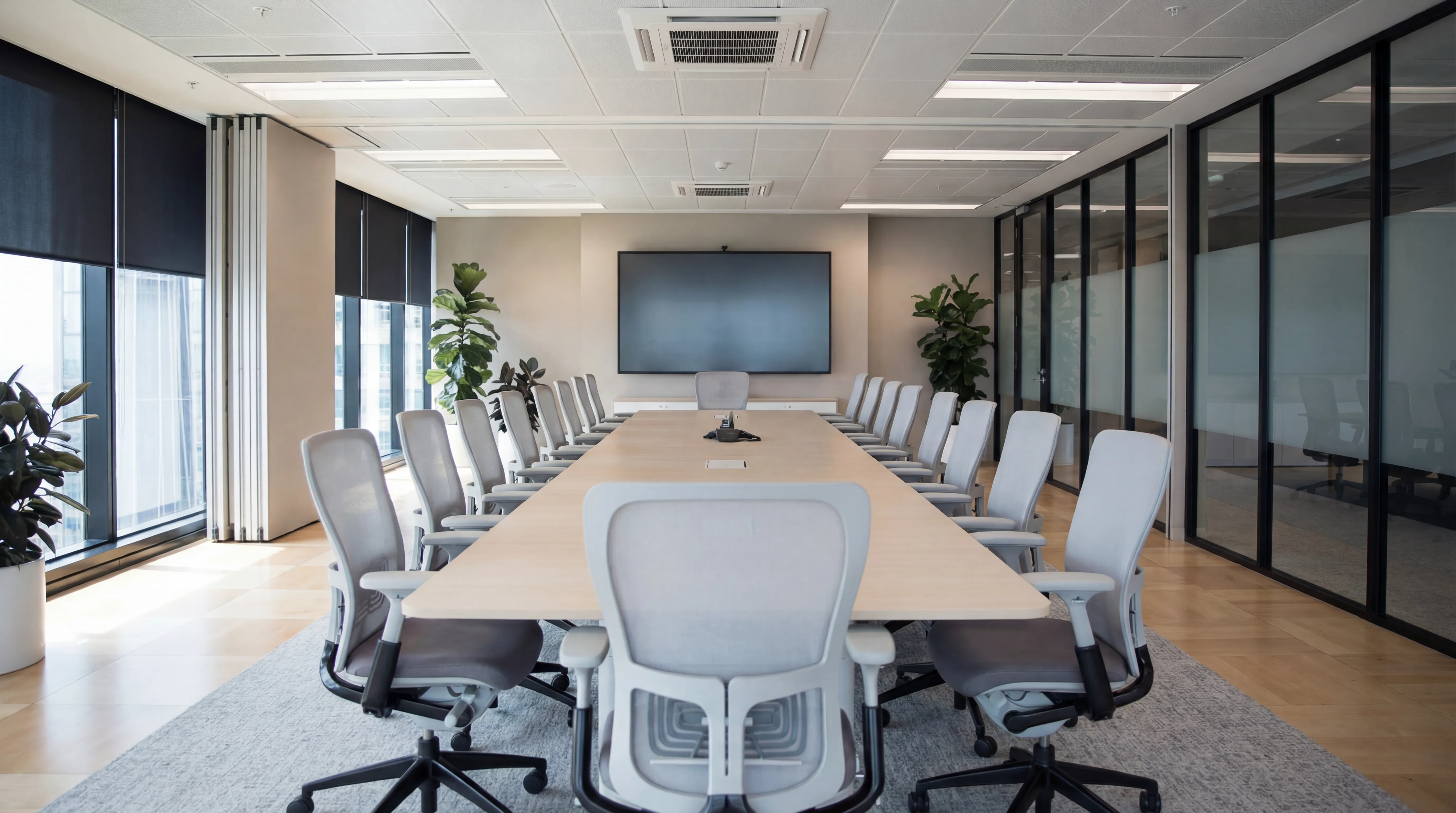
Meeting Rooms
Professional video conferencing, presentation systems, and collaboration tools that make every meeting count.
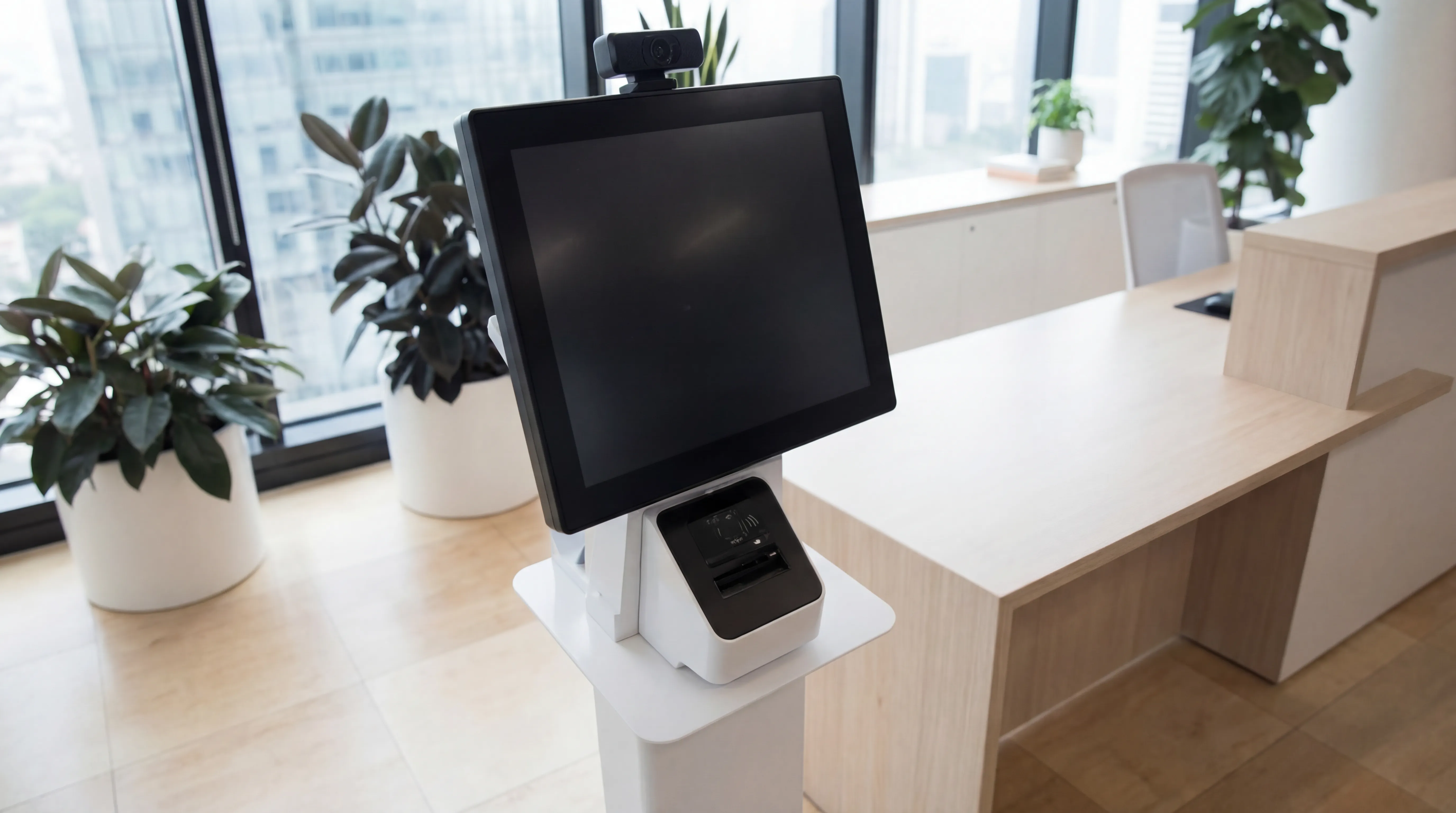
Visitor Systems
Modern digital sign-in, badge printing, and GDPR-compliant visitor management for a professional first impression.
Ready to discuss your workplace technology?
Talk to the team today. We will assess your needs, build you a tailored solution, and support you every step of the way.