.png)



The majority of UK businesses now run Microsoft 365, but most use only a fraction of what they're paying for. Email, Teams, and Word are the visible tip, underneath is a significant collection of productivity, security, and compliance tools that most organisations have licensed but never turned on. This guide covers the most valuable underused capabilities and how to start using them.
The Licencing Reality
Before diving into features, it helps to understand which licence tier unlocks what. The most common tiers in UK businesses are:
- Microsoft 365 Business Basic: Teams, Exchange email, SharePoint, OneDrive, web-only Office apps. Limited security tools.
- Microsoft 365 Business Standard: adds desktop Office apps, advanced meeting features, and additional productivity tools.
- Microsoft 365 Business Premium: adds Intune (mobile device management), Defender for Business, Azure AD Premium, and advanced compliance tools. The most complete security and management package for SMEs.
Many organisations on Business Premium are paying for Intune and Defender for Business but haven't deployed them. That's a significant security capability sitting idle.
Microsoft Intune: Device Management You're Probably Not Using
If you have Microsoft 365 Business Premium, you have Intune included. Intune is Microsoft's mobile device management platform, the same one enterprise organisations pay separately for.
What it lets you do:
- Enforce security policies (encryption, screen lock, PIN) on all enrolled devices automatically
- Deploy applications to devices remotely, without touching them
- Remotely wipe a device that's been lost or stolen
- Ensure devices meet compliance requirements before allowing access to corporate data
- Manage both corporate-owned and personally-owned (BYOD) devices with appropriate separation of work and personal data
Setting up Intune requires some planning and configuration, but it's a one-time investment that pays off continuously in reduced management overhead and improved security posture.
Microsoft Defender for Business: Endpoint Protection That Replaces Third-Party Antivirus
Many SMEs pay separately for a third-party antivirus or endpoint protection product when they already have Defender for Business included in their M365 Business Premium licence.
Defender for Business provides:
- Next-generation antivirus and anti-malware across Windows, Mac, iOS, and Android
- Threat and vulnerability management, identifying unpatched vulnerabilities and misconfigurations
- Automated investigation and response, automatically quarantining threats without manual intervention
- A unified security dashboard showing the security status of your entire device estate
For most SMEs, Defender for Business provides comparable or better protection to standalone endpoint security products, at no additional cost.
SharePoint and OneDrive: Moving Beyond File Shares
Many organisations use SharePoint and OneDrive as a cloud-based equivalent of the old file server, a place to store documents. That's valid, but it captures only a fraction of the capability.
More powerful uses include:
- SharePoint as an intranet: team sites, news, announcements, and resource libraries, replacing email circulars with a searchable, persistent knowledge base
- Automated document workflows: using Power Automate to route documents for approval, notify teams of changes, or trigger actions based on document content
- Version history and document recovery: SharePoint maintains a full version history of every document, no more "which version is the latest?" emails
- Sensitivity labels: automatically classifying and protecting documents based on their content (e.g. marking a document as "Confidential" and preventing it being shared externally)
Teams Beyond Meetings: Channels, Apps, and Integrations
Teams is widely used for video calls and group messaging, but its value as a collaboration platform runs much deeper:
- Channels for structured communication: organising conversations by project or topic rather than having everything in a general chat
- Tabs for shared resources: pinning SharePoint documents, Planner boards, or third-party apps directly into a Teams channel so the team's tools are in one place
- Approvals app: managing approval workflows directly in Teams without switching to email
- Teams Rooms integration: if you have meeting room hardware, integrating with Teams gives consistent scheduling, one-touch join, and room booking directly from Outlook
Conditional Access: The Right Permissions for the Right Context
Conditional Access is an Azure AD feature included in Business Premium that allows you to enforce access policies based on context: who is signing in, from what device, and from where.
Practical applications:
- Require multi-factor authentication for all sign-ins from outside the corporate network
- Block access from countries you don't operate in
- Require a compliant, Intune-enrolled device before granting access to sensitive applications
- Automatically sign users out of inactive sessions
Conditional Access policies can be set up in a matter of hours and represent a significant reduction in the risk of account compromise.
Getting the Most from Your Investment
The barrier to using these features isn't usually cost, it's awareness and configuration time. Most organisations benefit from a one-off Microsoft 365 assessment that maps what they're licensed for against what they're actually using, identifies gaps, and prioritises what to enable first.
Getting value from your Microsoft 365 licences? future® Office provides Workplace IT services including Microsoft 365 deployment, security configuration, and ongoing management. Talk to the team about optimising your Microsoft environment.
Managed Print
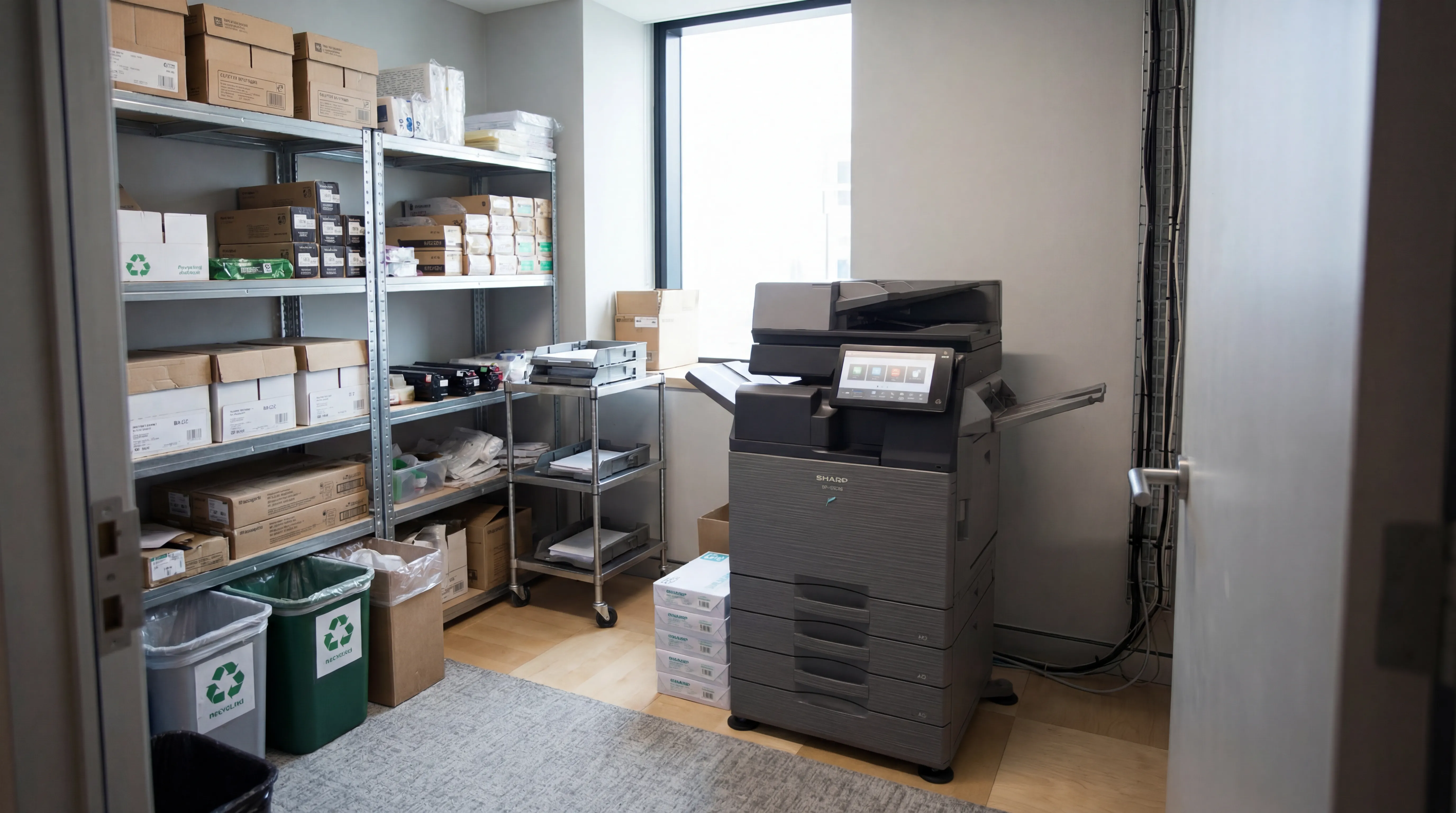
Reduce print costs, eliminate downtime, and keep your devices running with a managed print service tailored to your business.

Workplace IT
From device procurement to lifecycle management, we keep your teams equipped with the right technology.

Meeting Rooms
Professional video conferencing, presentation systems, and collaboration tools that make every meeting count.
Visitor Systems
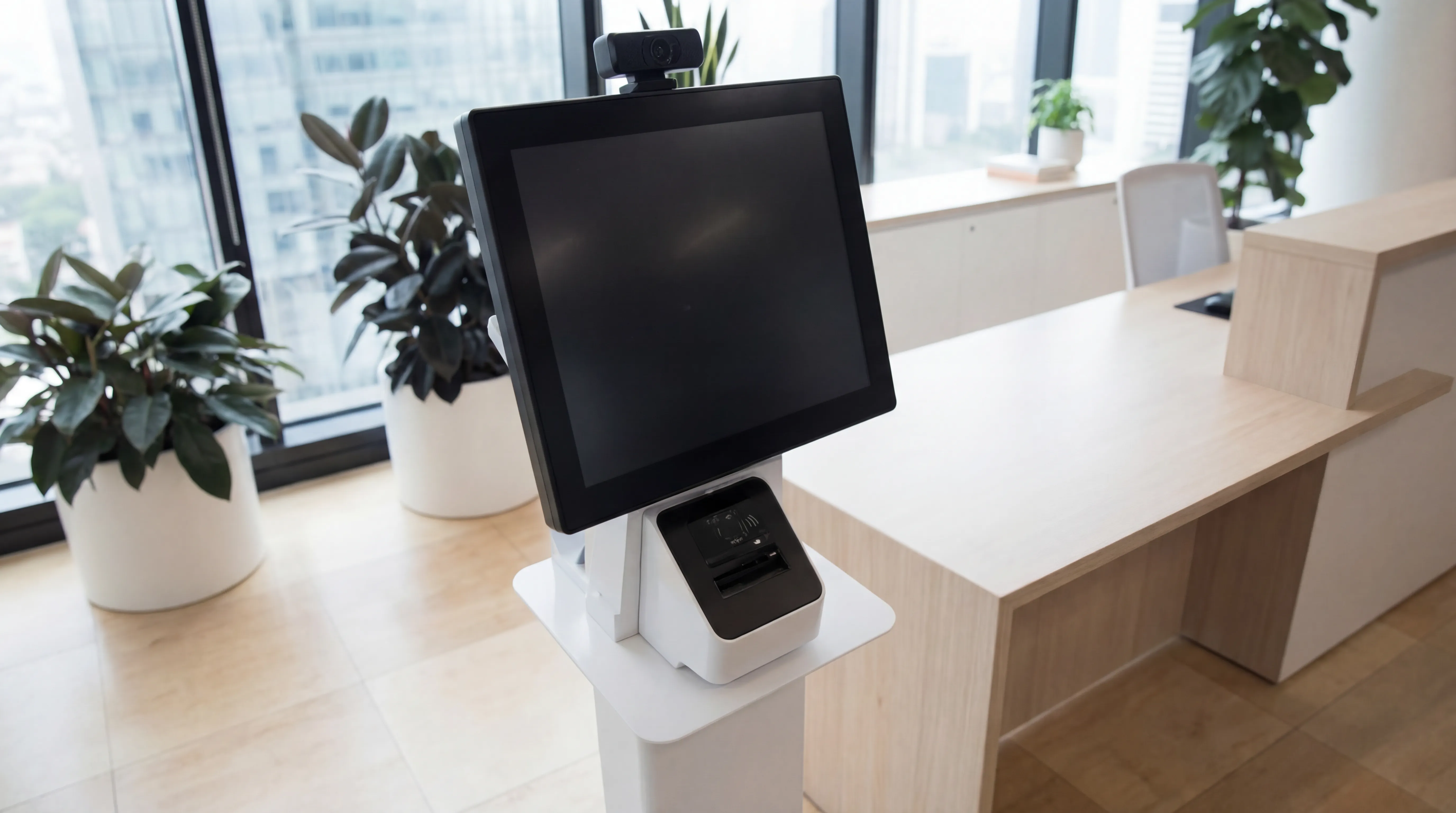
Modern digital sign-in, badge printing, and GDPR-compliant visitor management for a professional first impression.
Ready to discuss your workplace technology?
Talk to the team today. We will assess your needs, build you a tailored solution, and support you every step of the way.