.png)


.webp)
Printing rarely sits at the top of the cost-reduction agenda. It should. In many UK offices, print spend is fragmented across device leases, ink and toner orders, maintenance contracts, and IT support hours, and nobody has a complete view of what the whole thing actually costs. A managed print service (MPS) brings all of that together, typically cutting total print expenditure by 20-30%.
This guide explains exactly how managed print works, where the savings come from, and what to look for when evaluating a provider.
What Does "Managed Print" Actually Mean?
A managed print service is a single contract that covers:
- The devices themselves (printers, copiers, multifunction devices), either purchased or leased
- All consumables (toner, ink, drums) delivered automatically before you run out
- Preventive maintenance and reactive repairs, usually with a guaranteed response time
- Software to monitor usage, enforce print policies, and report on costs by department or user
Instead of paying separately for each of those, you pay a simple cost-per-page (CPP) rate. You only pay for what you print.
Where the Hidden Costs Are Hiding
Before you can save money, it helps to understand where the money goes. In a typical unmanaged office environment, costs fall into four buckets:
1. Too Many Devices
Over time, organisations accumulate printers, one per floor, one per department, a couple of older machines kept "just in case". Many of these devices sit underutilised. Each one still needs toner, maintenance, and occasional IT support. Consolidating to a smaller fleet of higher-capacity devices almost always reduces unit cost per page.
2. Wrong Devices for the Job
A low-cost inkjet printer bought to save money upfront typically costs far more per page than a laser or LED device designed for office volume. Businesses that have grown organically often have a mixed fleet with wildly different running costs, and no visibility across them.
3. Uncontrolled Behaviour
Without any print policy, colour printing goes unmanaged. Documents are printed single-sided when duplex is perfectly fine. Nobody notices the 500-page colour report printed by mistake. Print management software gives you the data, and the controls, to change those habits.
4. Reactive Rather Than Preventive Maintenance
When a device breaks down, someone raises an IT ticket, waits for a response, waits for a part, loses hours of productivity. A managed service flips this: regular maintenance visits and remote monitoring catch issues before they become failures.
How a Managed Print Audit Works
A reputable MPS provider will start with a fleet audit before quoting anything. This typically involves:
- Device discovery, cataloguing every printer and copier on the network (and off it)
- Usage analysis, how many pages per device per month, split by mono and colour
- Cost modelling, calculating your current total cost of ownership and projecting the saving under a managed service
- Fleet right-sizing, recommending which devices to retire, which to keep, and where new devices are needed
This audit should be free and carry no obligation. If a provider won't do this, be cautious.
Understanding Cost Per Page
The core financial metric in managed print is cost per page (CPP). Typical UK ranges:
- Mono (black and white): 0.5p-1.5p per page depending on volume and device type
- Colour: 4p-10p per page, again volume-dependent
These figures include toner, maintenance, and support. When you add up what most unmanaged offices spend on the same pages, the managed rate is almost always lower, often significantly so.
Print Policies That Make a Difference
Technology alone doesn't drive savings, behaviour does. Effective print policies include:
- Default duplex: printing double-sided halves paper consumption overnight
- Colour restriction: requiring justification (or supervisor approval) for colour jobs
- Secure release (Follow Me Print): jobs sit in a queue until the user authenticates at the device, eliminating uncollected prints
- Department reporting: showing teams their own print volumes creates organic pressure to reduce waste
What to Ask When Comparing Providers
Not all managed print contracts are equal. Key questions:
- What is included in the CPP rate, and what triggers an additional charge?
- What is the guaranteed response time for a breakdown?
- How are toner deliveries triggered, automatically by remote monitoring, or by you raising a ticket?
- What happens at end of contract, who owns the data held on device hard drives?
- Is there a data security policy for device disposal?
The Right Time to Review Your Print Setup
The best moments to review your print contract are:
- Six months before any existing device lease expires
- When your office is moving or expanding
- When your team size has changed significantly
- When you're experiencing repeated device failures or supply issues
There's rarely a wrong time, if your current setup isn't working, waiting until a natural breakpoint costs you money every month.
Ready to find out what your office is really spending on print? future® Office offers a free, no-obligation print fleet audit for UK businesses. Request your audit and get a clear picture of your costs in days.
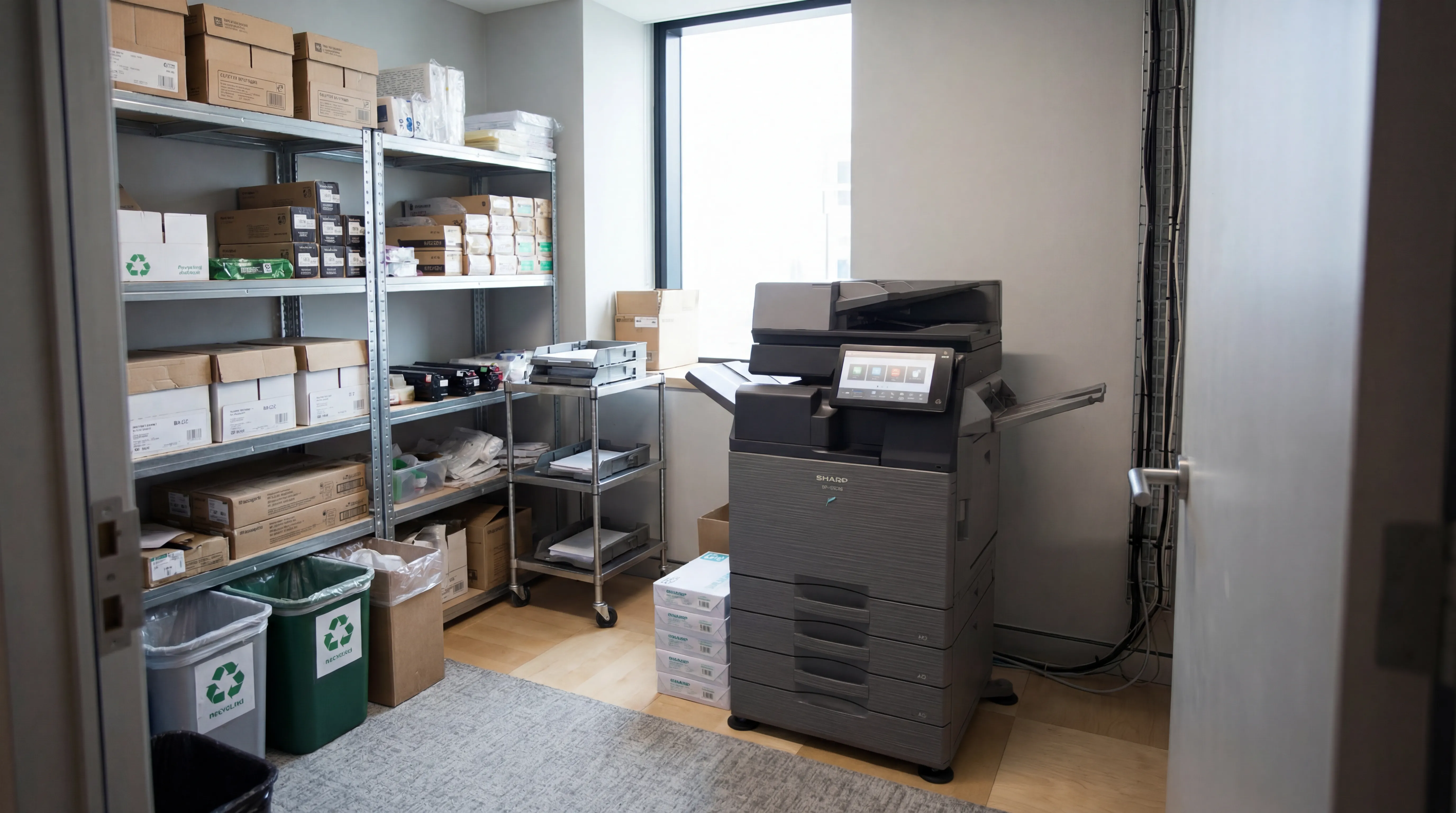
Managed Print
Reduce print costs, eliminate downtime, and keep your devices running with a managed print service tailored to your business.

Workplace IT
From device procurement to lifecycle management, we keep your teams equipped with the right technology.

Meeting Rooms
Professional video conferencing, presentation systems, and collaboration tools that make every meeting count.
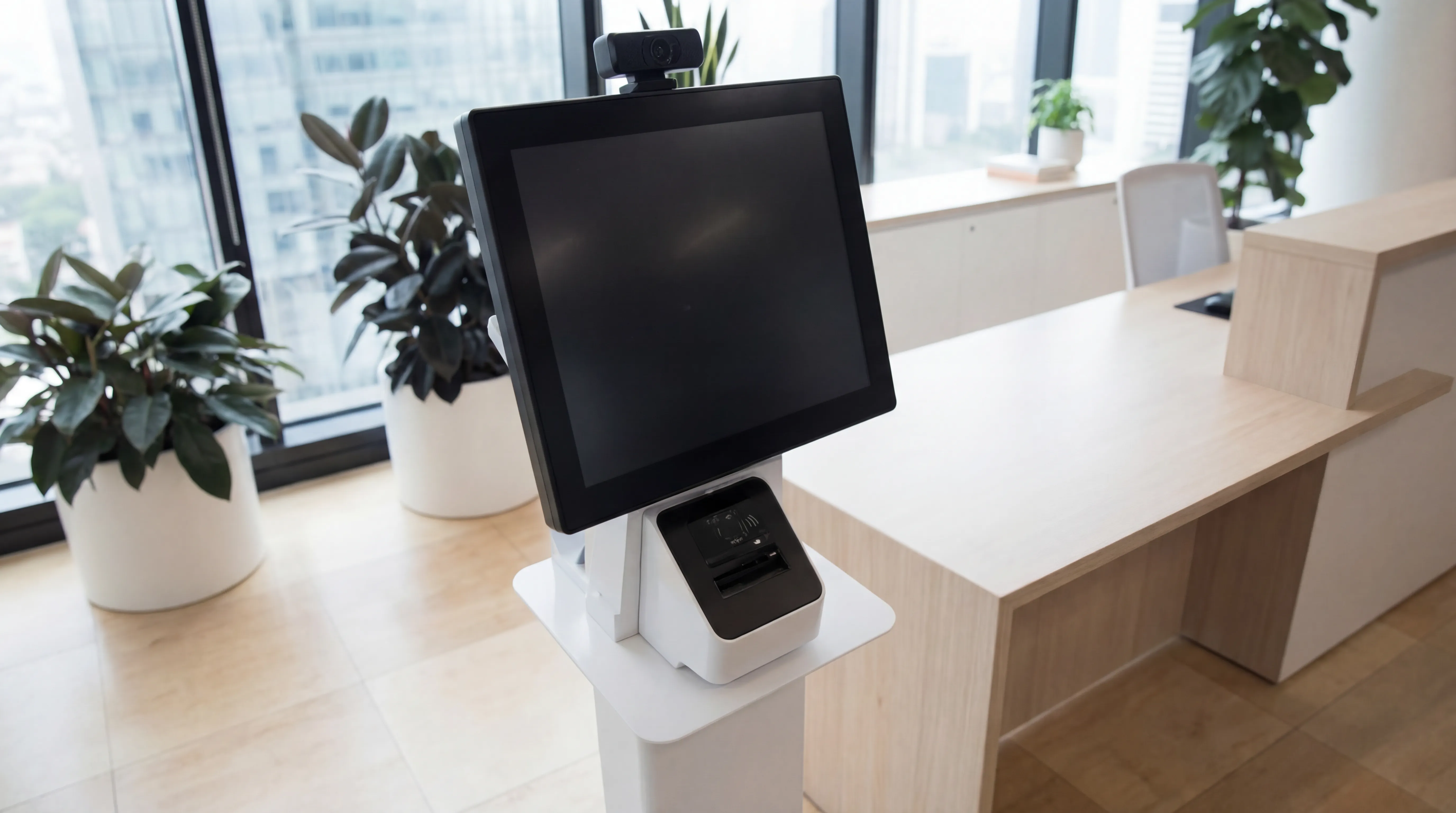
Visitor Systems
Modern digital sign-in, badge printing, and GDPR-compliant visitor management for a professional first impression.
Ready to discuss your workplace technology?
Talk to the team today. We will assess your needs, build you a tailored solution, and support you every step of the way.