.png)


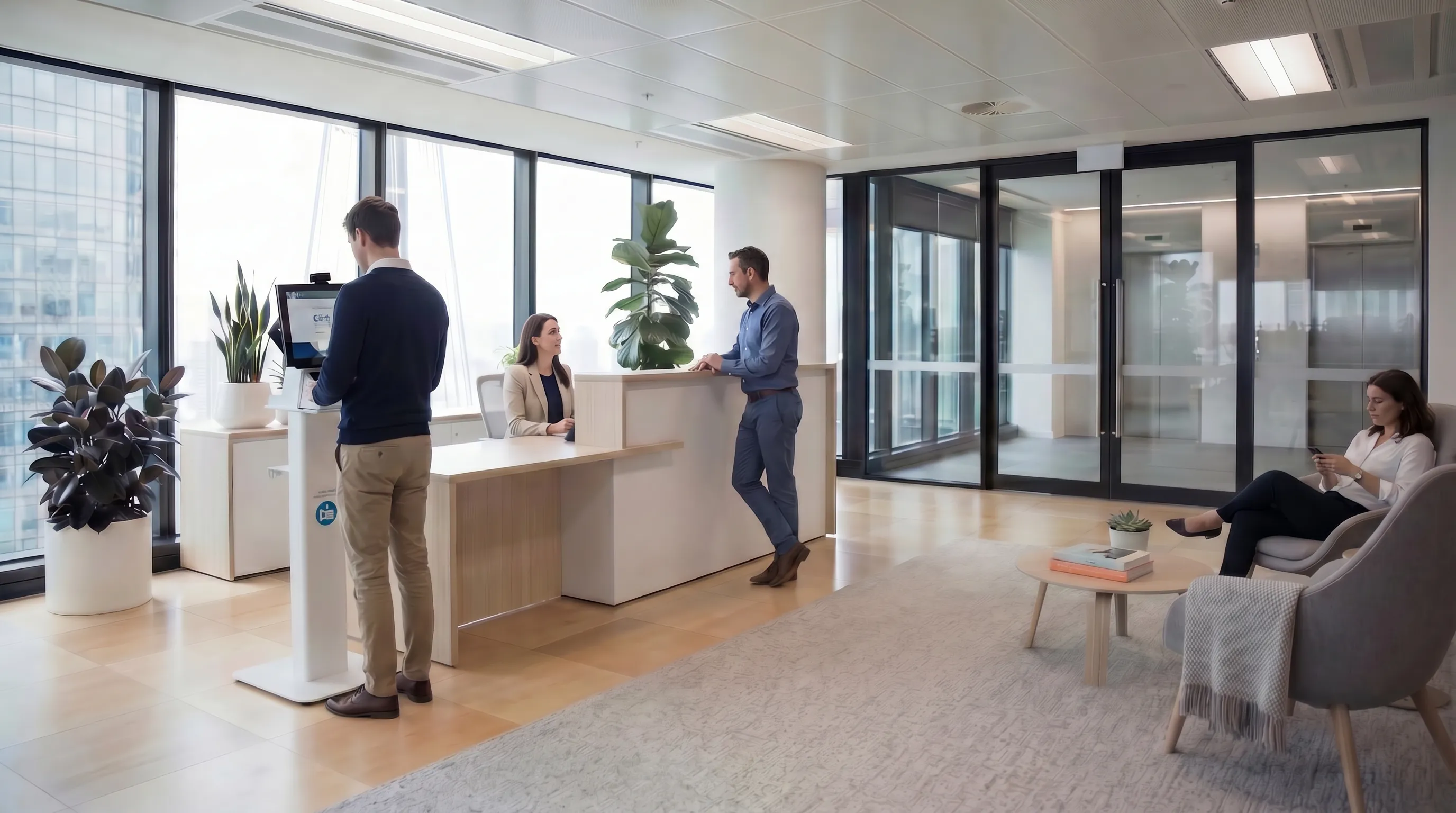
First impressions matter. The reception area is often the first physical experience a client, candidate, or partner has of your organisation, and the quality of that experience shapes their perception before a single word has been exchanged in a meeting room. A fumbling sign-in process, a phone call to track down a host who doesn't know their visitor has arrived, a handwritten badge, these are small details that aggregate into an impression of a business that doesn't have its act together.
This guide explores how the right visitor management setup transforms the arrival experience.
The Pre-Arrival Experience
A great visitor experience starts before the visitor arrives. When a host registers a visitor in advance, the visitor can receive:
- A confirmation email with the office address, directions, and parking information
- A QR code or sign-in PIN for fast check-in on arrival
- A welcome message with the host's name and contact details
- Any documents they need to review before arriving, health and safety briefings, NDAs, site rules
Receiving a professional, well-organised pre-arrival email from a supplier or business partner communicates care and competence. It also significantly reduces the time spent at reception on arrival.
Arrival: Speed and Dignity
Nobody enjoys standing at a reception desk while someone searches for a paper visitor book, copies their ID, and writes their name with a slightly dried-out biro. The ideal arrival experience is:
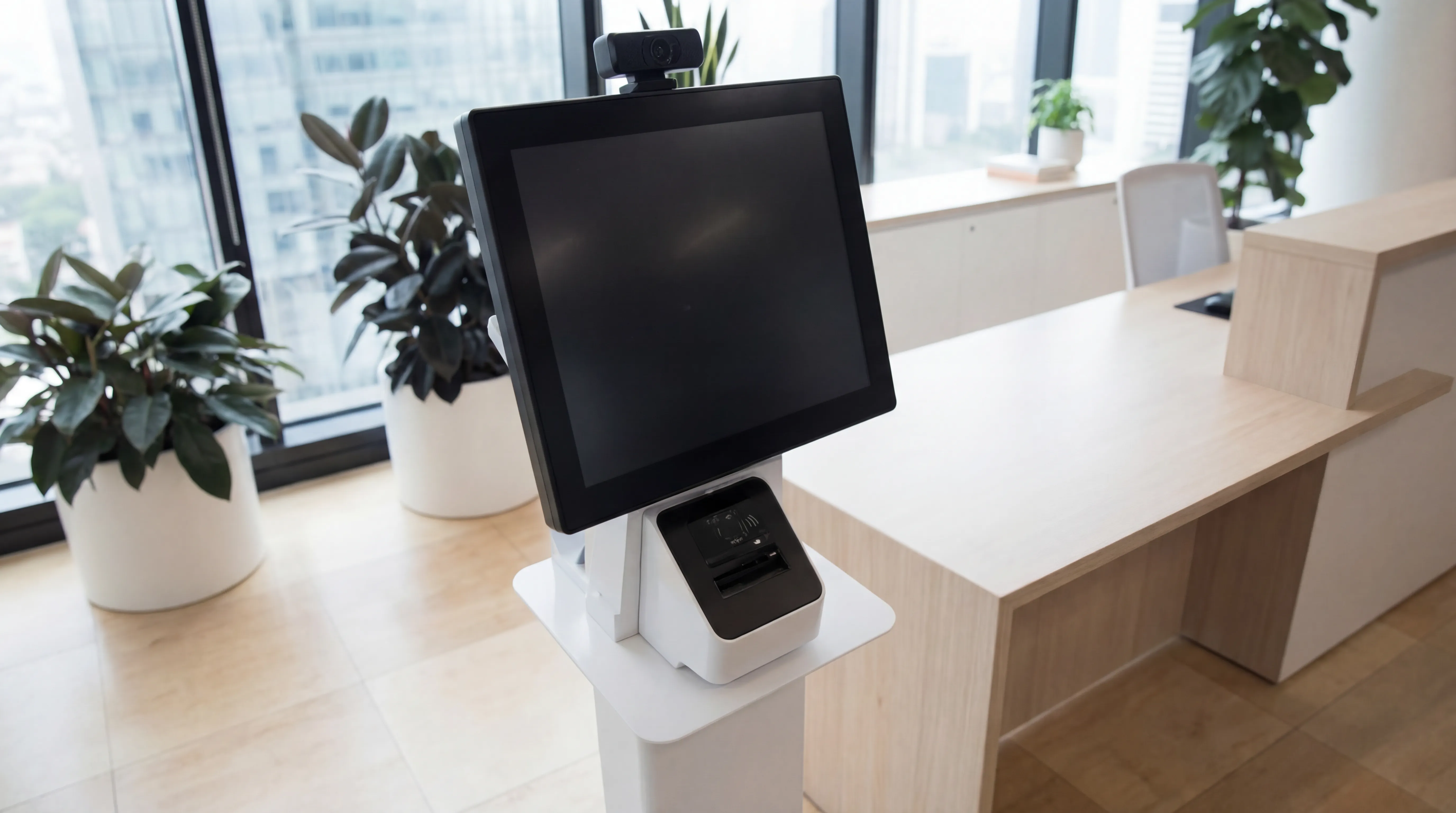
- Visitor approaches the kiosk or tablet
- Scans QR code from pre-registration email (or enters name for walk-in visitors)
- Accepts any required agreements
- Badge prints automatically
- Host is notified and arrives to greet them
The entire process takes under two minutes for pre-registered visitors, and three to four for walk-ins. No involvement from reception staff is necessary for routine sign-ins, freeing them for higher-value tasks.
Host Notification: The Difference Between a Greeted and an Abandoned Visitor
One of the most common reception complaints from visitors is being left waiting without knowing whether their host knows they've arrived. Automated host notification, a push notification, Teams or Slack message, SMS, or email sent the moment the visitor checks in, eliminates this entirely.
The host's phone pings in their meeting room or at their desk: "Your visitor [Name] from [Company] has arrived in reception." They can reply with an ETA if they're delayed, some systems allow two-way communication back through the kiosk for a genuinely seamless experience.
This single feature, more than any other, transforms the visitor's sense of being expected and valued.
Personalisation Signals Care
Small personalisation touches add to the experience without significant cost:
- A branded welcome screen on the sign-in tablet, showing your logo and a welcome message, not a generic software interface
- Visitor badges that include the host's name, not just the visitor's, so both the visitor and any staff they encounter know who to ask for
- A welcome message on the kiosk confirmation screen: "Welcome, [Name]. [Host] has been notified and will be with you shortly."
- For regular visitors: returning visitor recognition, the system identifies a repeat visitor and pre-populates their details, acknowledging the relationship
None of these require expensive customisation, they're configuration options in most modern visitor management platforms.
The Reception Team's Role in a Digital System
A visitor management system doesn't replace a reception team, it frees them up. Instead of spending the majority of their time on sign-in administration, reception staff can focus on:
- Providing a genuinely warm welcome and answering questions
- Handling complex or sensitive situations that a kiosk can't navigate
- Managing the physical environment, ensuring the reception is welcoming, tidy, and stocked with drinks
- Handling deliveries and other front-of-house tasks
The result is a reception experience where the human interaction is meaningful rather than administrative.
Multi-Language Support
For organisations that regularly receive international visitors, common in legal, financial, and enterprise technology sectors, a visitor management system with multi-language support allows visitors to sign in and read documents in their preferred language. This is a genuinely thoughtful detail that's noticed and appreciated.
Measuring Visitor Experience
Some visitor management platforms allow you to send a brief satisfaction survey to visitors after their visit, a single-question rating that aggregates into a measure of reception experience quality over time. While this might seem like a minor feature, having data on visitor experience is valuable: it allows you to identify specific issues and demonstrate improvement over time.
Return on Investment
A modern visitor management system typically costs £100-£400 per month for a single-site deployment, depending on features and visitor volume. Set against the value of a professional impression made on every client and candidate who visits, the labour hours saved on reception administration, and the compliance benefits described elsewhere, the business case is generally straightforward.
Looking to upgrade your reception experience? future® Office supplies and configures visitor management systems that make the right first impression. Get in touch to see a demonstration.
Managed Print
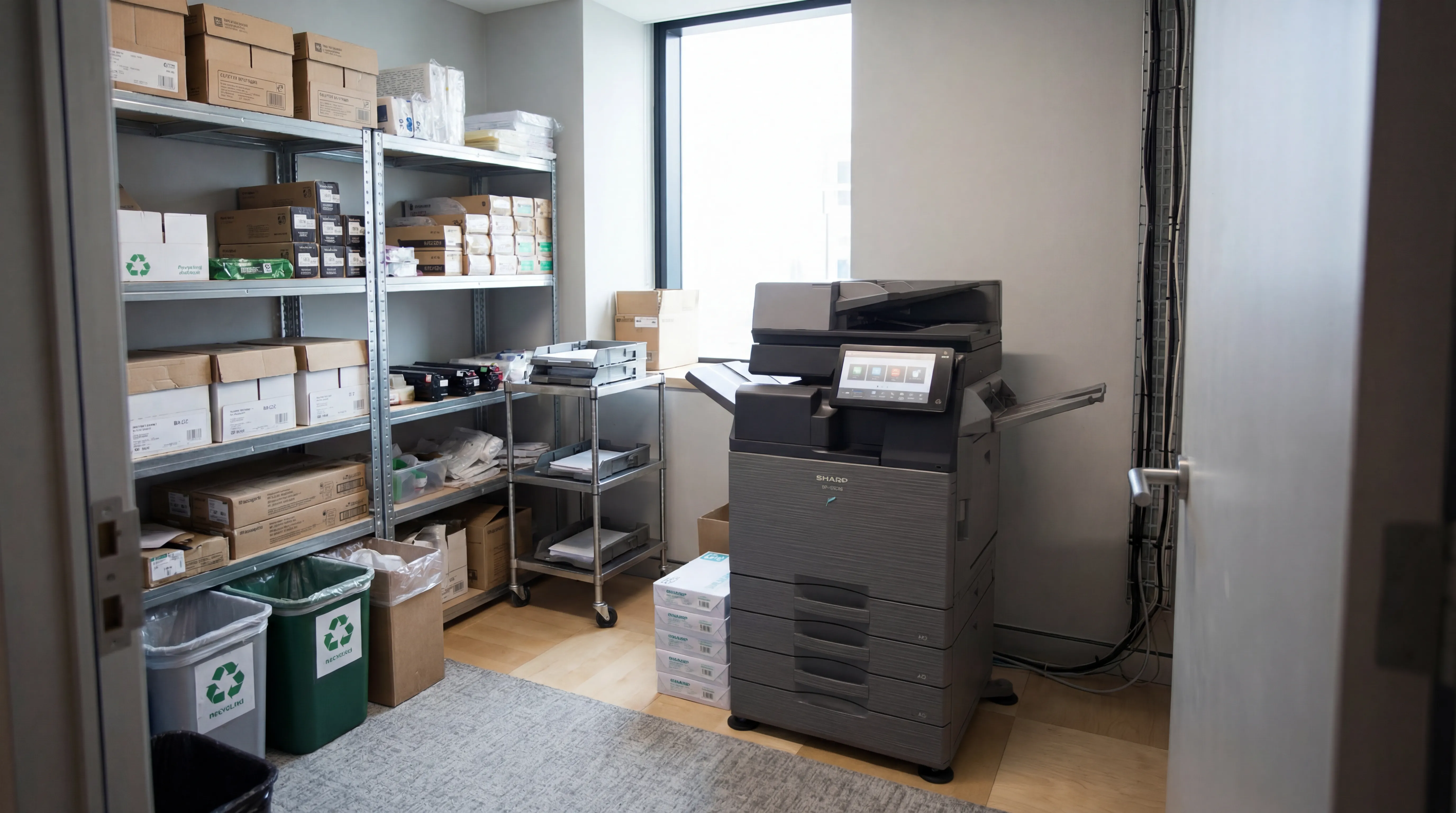
Reduce print costs, eliminate downtime, and keep your devices running with a managed print service tailored to your business.

Workplace IT
From device procurement to lifecycle management, we keep your teams equipped with the right technology.
Meeting Rooms
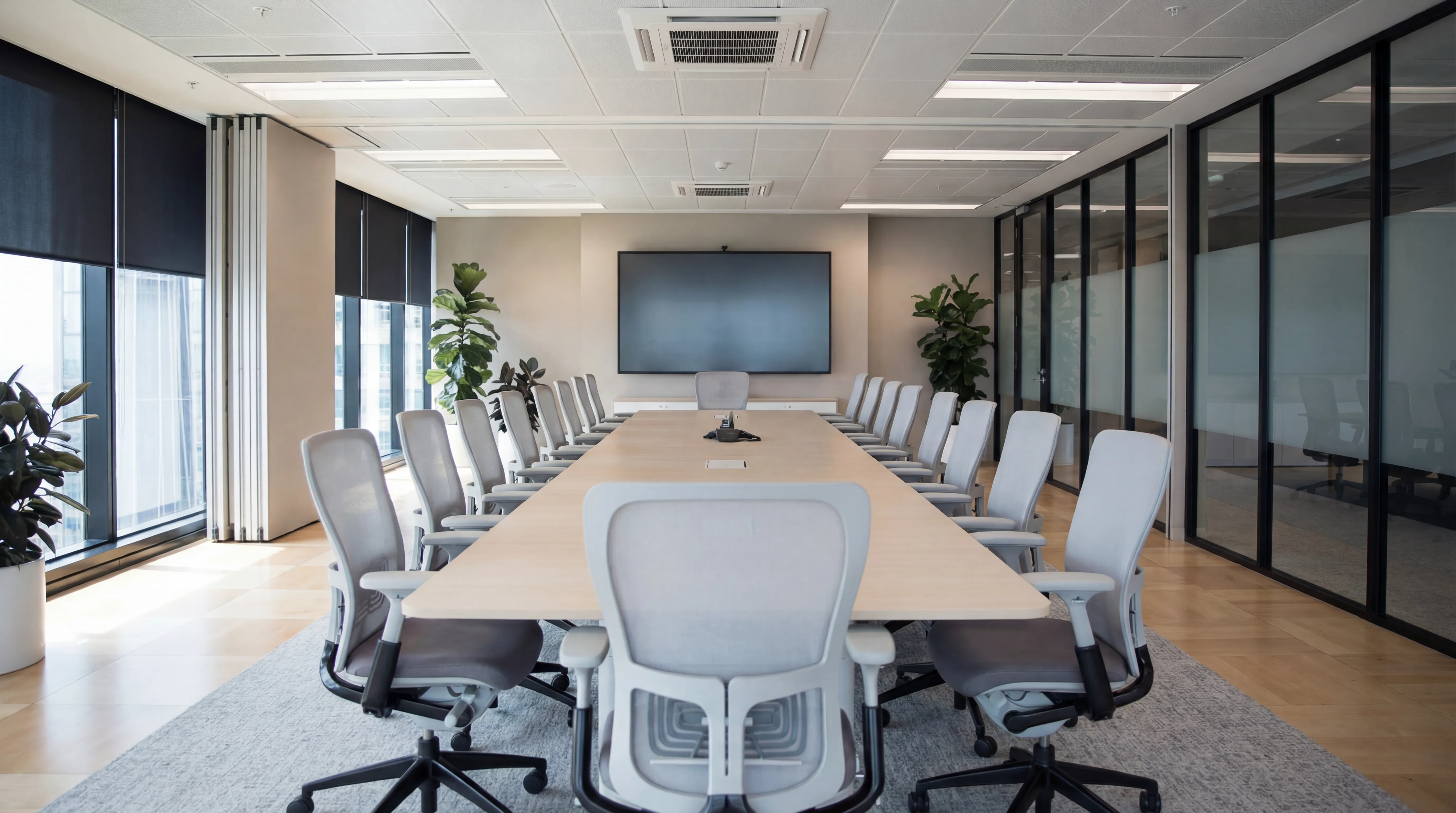
Professional video conferencing, presentation systems, and collaboration tools that make every meeting count.
Visitor Systems
Modern digital sign-in, badge printing, and GDPR-compliant visitor management for a professional first impression.
Ready to discuss your workplace technology?
Talk to the team today. We will assess your needs, build you a tailored solution, and support you every step of the way.