.png)


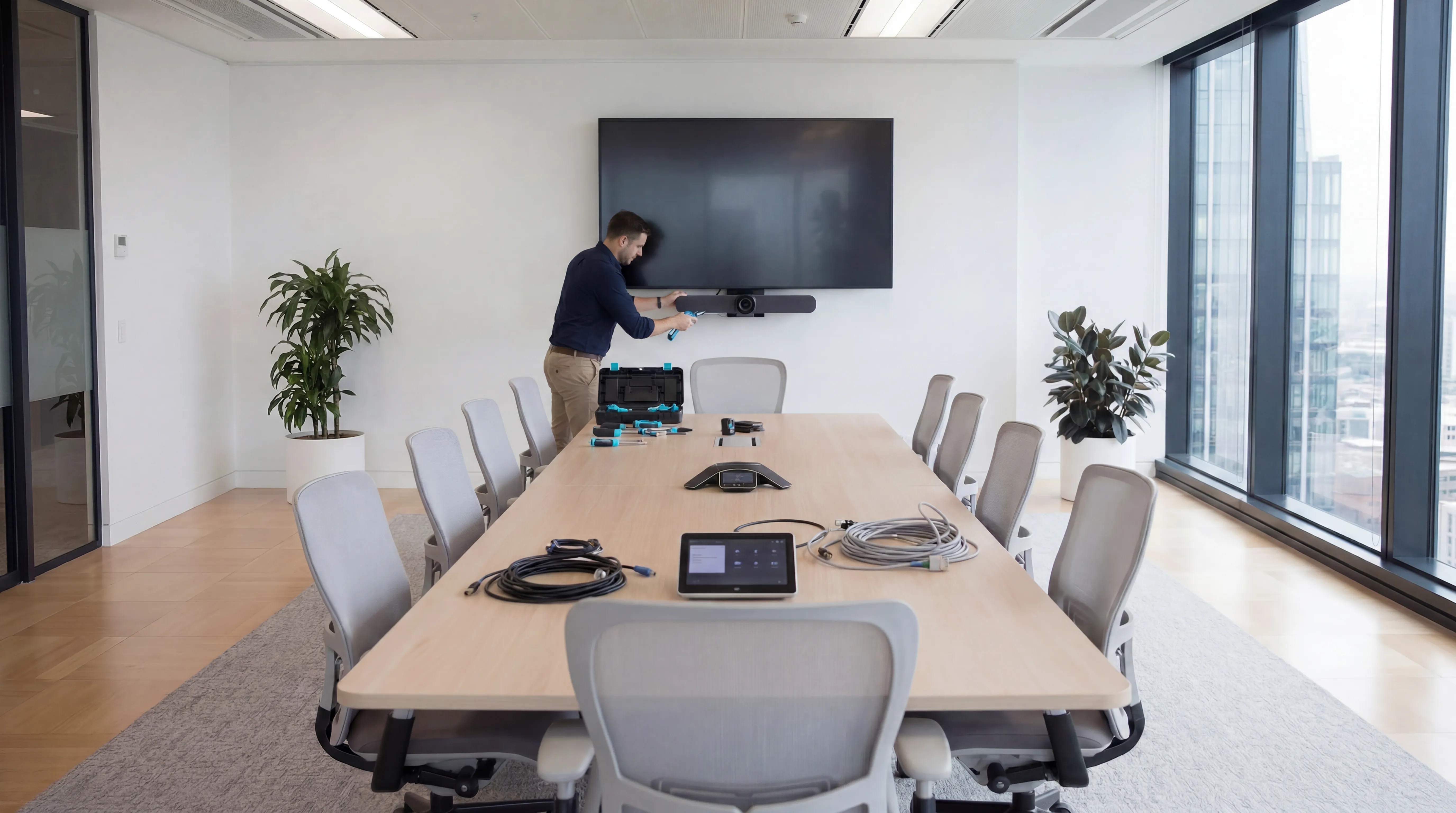
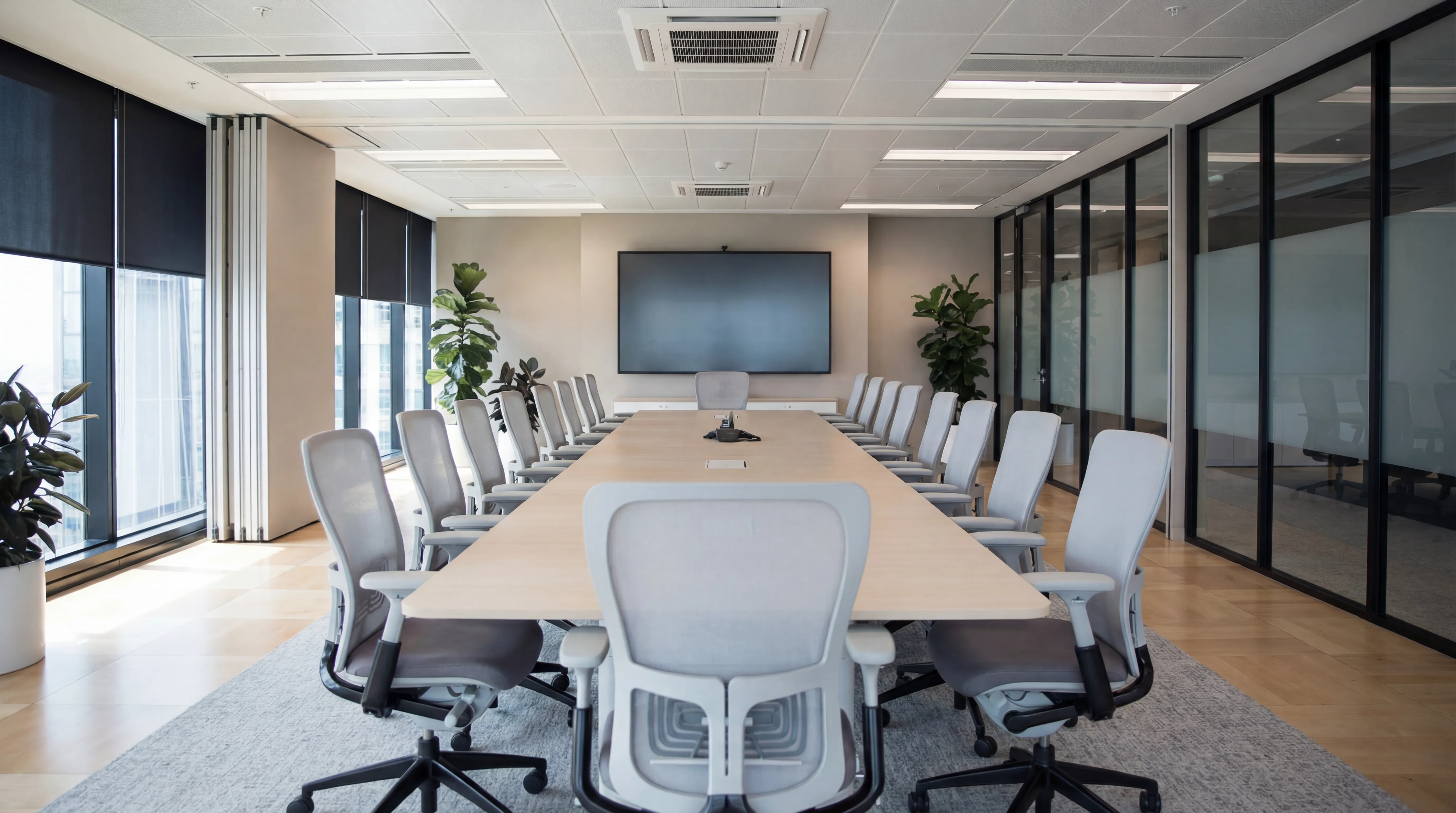
A meeting room that works, where everyone can be seen and heard, presentations display correctly, and the technology doesn't consume the first ten minutes of every meeting, is one of the highest-impact things an organisation can do for its productivity and professional image. Getting there requires more than buying a camera and a screen. This guide covers what a well-configured meeting room needs and the decisions you'll face along the way.
Start with the Room, Not the Technology
The single most common meeting room AV mistake is buying technology without first understanding the room. Room dimensions, shape, and acoustic properties determine which solutions will work and which won't.
Room Size Categories
- Huddle space (2-4 people): small rooms or alcoves, typically need an all-in-one bar device (integrated camera, microphone, and speaker in one unit) and a mid-sized display
- Small meeting room (4-8 people): a standalone conference camera with good field of view, a ceiling or table microphone, and a 55-75 inch display
- Medium boardroom (8-14 people): multiple microphones for room coverage, a quality PTZ (pan-tilt-zoom) camera or dual camera setup, a larger display or projector, possibly a secondary display for local content
- Large conference room (15+ people): professional AV design required, multiple displays, distributed audio, advanced camera tracking, potentially dedicated AV control systems
A device that's perfect for a huddle space will leave half the participants outside the camera's field of view in a large boardroom.
The Core Components
Display
For most meeting rooms, a commercial-grade display is preferable to a consumer television. Commercial displays are designed for continuous use, have longer warranties, and typically include features (brightness, viewing angles, mounting options) better suited to meeting environments.
Resolution: 4K for displays 65 inches and above in a meeting room context; 1080p remains perfectly adequate for smaller rooms. Brightness matters more than people realise, a display that looks good in a showroom may appear washed out in a south-facing room on a sunny day. Look for 400-600 nits as a minimum for most office environments.
Camera
Camera quality has a direct impact on how participants appear to remote attendees. Key specifications:
- Field of view: wider angle (90°+) for smaller rooms, narrower with PTZ capability for larger rooms
- Resolution: 1080p is the baseline; 4K cameras allow digital zoom without quality loss
- Auto-framing: AI-driven cameras that automatically frame active speakers are increasingly standard and save significant management overhead
- Low light performance: important for rooms without consistent lighting control
Microphone and Audio
Audio quality is more important than video quality for meeting effectiveness, participants will tolerate imperfect video far more readily than they'll tolerate an audio experience where people can't be heard clearly. Key considerations:
- Coverage: ensure microphone pickup covers the full room, including people seated furthest from the camera
- Echo cancellation: essential in any room with hard surfaces
- Speaker quality: the room's loudspeakers need to reproduce remote audio clearly at a volume audible to all participants without causing feedback
All-in-one bar devices handle all of this in a single unit for smaller rooms. Larger rooms typically need dedicated ceiling microphones or table-mounted units supplemented by professional speakers.
Room Computing
Something needs to run the video conferencing software. Options:
- Dedicated room system (Teams Rooms, Zoom Rooms): a purpose-built device or compute module that runs the conferencing platform natively. One-touch join, consistent experience, no reliance on a participant's laptop.
- BYOD (Bring Your Own Device): participants connect their own laptop to the room's camera and display. Cheaper to deploy but creates friction, different laptop brands connect differently, dongles get lost, and the technology still consumes meeting time.
- Hybrid: a room system as the primary device, with HDMI/USB-C connectivity as a fallback for guests or legacy applications.
For any room used regularly, a dedicated room system is worth the investment. The reduction in "can everyone see my screen?" time pays for itself quickly.
Platform Compatibility: Teams, Zoom, or Both?
Most organisations have standardised on either Microsoft Teams or Zoom. Room hardware should be certified for your chosen platform, certified devices are tested to work reliably with the platform's features, including one-touch join, room booking integration, and diagnostics.
If your organisation hosts external guests on different platforms, there are options:
- Teams Rooms devices can join Zoom calls via Teams' cross-platform meeting support
- Some room systems (e.g. Poly, Crestron) support multiple platforms simultaneously
- BYOD fallback allows guests to present from their own device on any platform
Room Booking and Calendar Integration
A meeting room system without calendar integration is a missed opportunity. Room panels (small touchscreen displays mounted outside the room) integrated with your Exchange or Google Calendar give you:
- Real-time room availability visible from outside the door
- One-touch meeting start from the panel
- Automatic room release if a booked meeting doesn't start, freeing up space for others
- Room utilisation data for facilities planning
Installation and Ongoing Management
A professional installation that hides cables, mounts equipment correctly, and configures audio properly takes significantly more time than an unboxing and plug-in. A room that looks and sounds professional is worth the investment in proper installation.
Ongoing management, firmware updates, diagnostics, user support, should be planned for from the outset. Most dedicated room systems include remote management capabilities that allow your IT team or provider to monitor and troubleshoot without visiting the room.
Planning a new meeting room or upgrading an existing one? future® Office designs and installs meeting room AV systems across the UK, from huddle spaces to full boardrooms. Get in touch to discuss your requirements.
Managed Print
Reduce print costs, eliminate downtime, and keep your devices running with a managed print service tailored to your business.
Workplace IT
From device procurement to lifecycle management, we keep your teams equipped with the right technology.
Meeting Rooms
Professional video conferencing, presentation systems, and collaboration tools that make every meeting count.
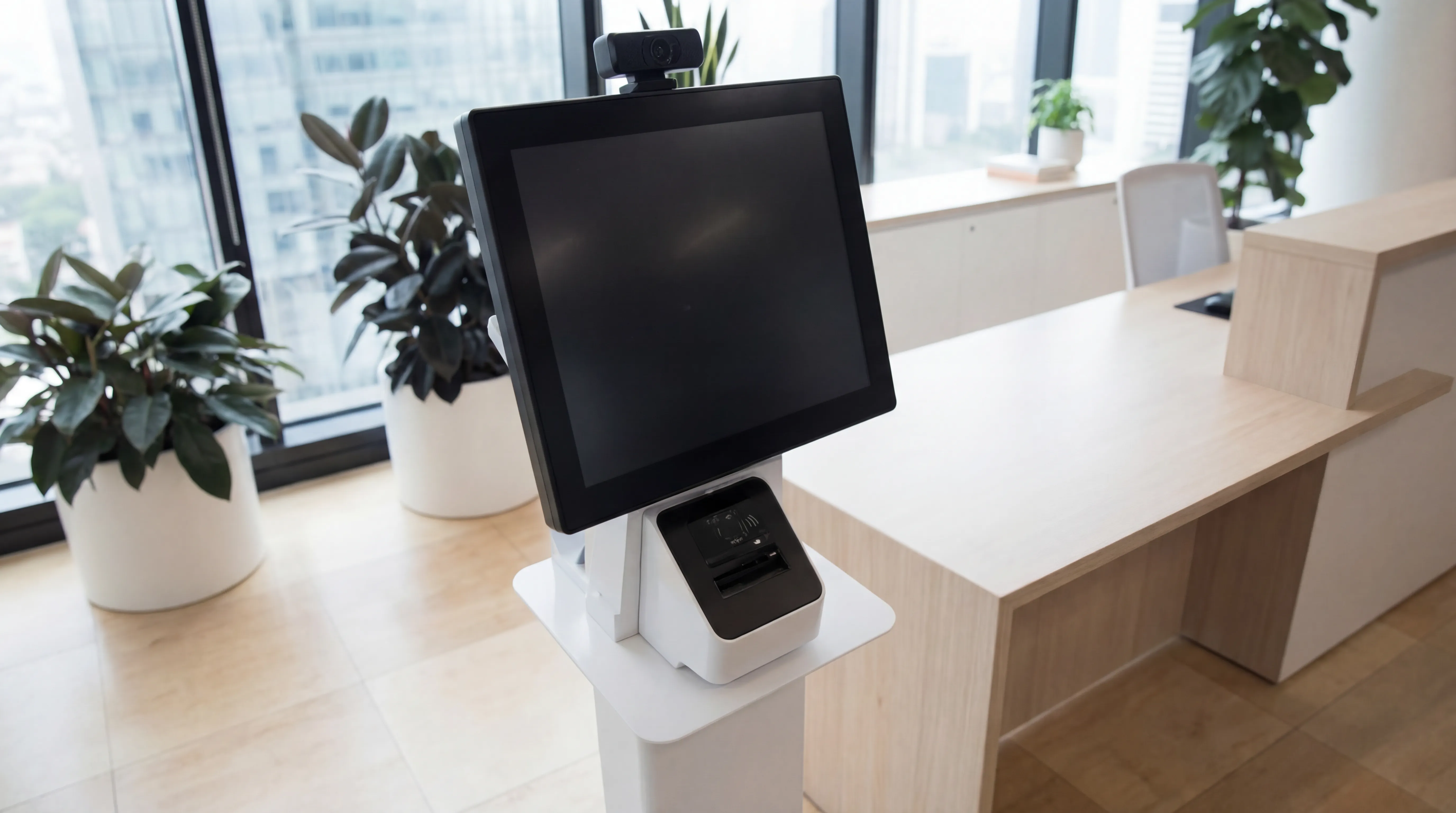
Visitor Systems
Modern digital sign-in, badge printing, and GDPR-compliant visitor management for a professional first impression.
Ready to discuss your workplace technology?
Talk to the team today. We will assess your needs, build you a tailored solution, and support you every step of the way.