.png)


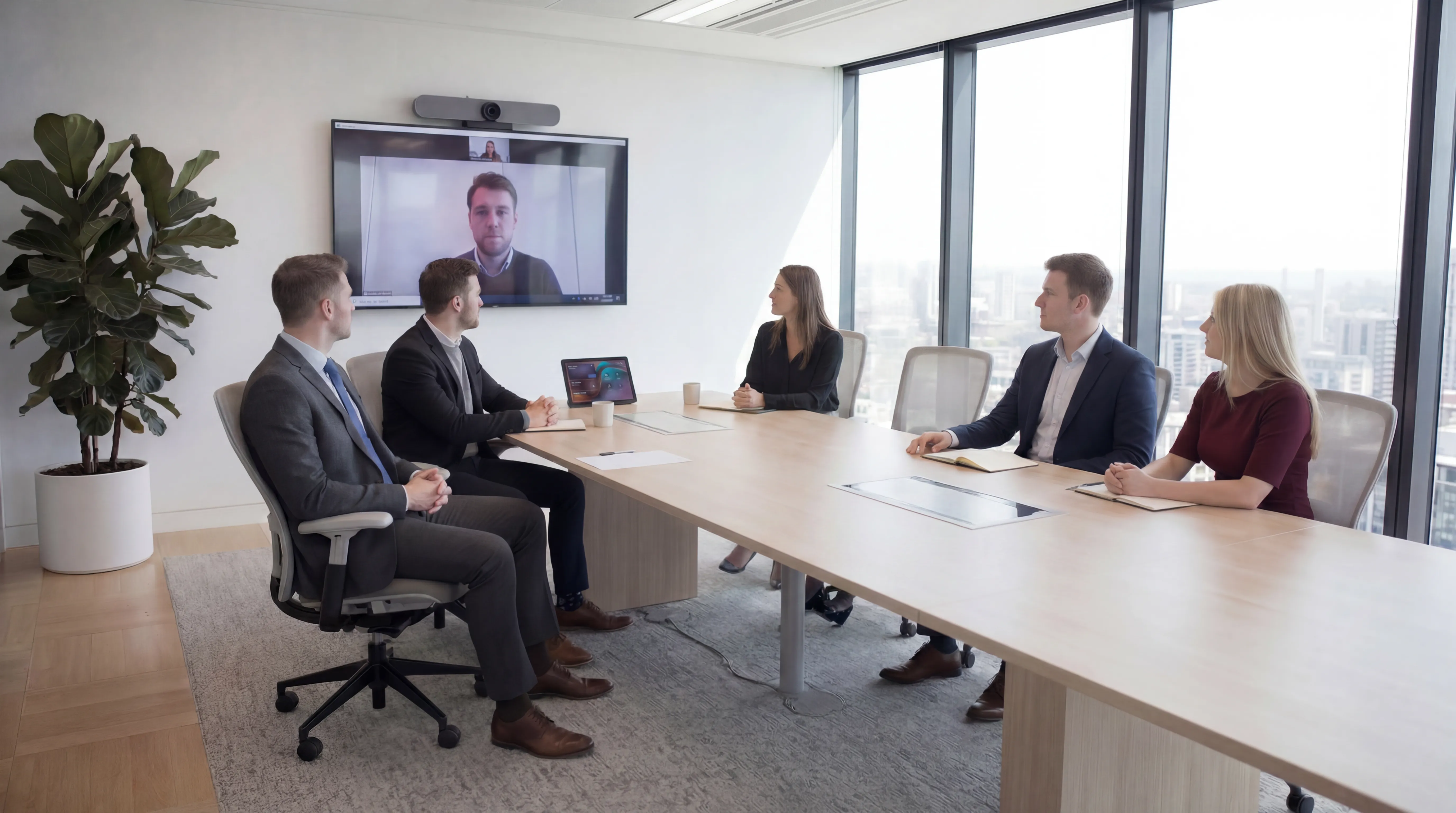
If your organisation runs Microsoft Teams for meetings, you've probably heard of Teams Rooms, but the distinction between a "Teams-capable room" and a certified Microsoft Teams Rooms deployment isn't always clear. This post explains what Teams Rooms actually is, what hardware it requires, what it delivers, and how to decide whether it's the right investment for your meeting spaces.
What Is Microsoft Teams Rooms?
Microsoft Teams Rooms (MTR) is a purpose-built platform that runs a dedicated Teams meeting experience on specialised hardware installed in a meeting room. It's separate from the Teams application that runs on a laptop, it's an always-on, always-ready room system that anyone can use without needing to sign in with their own account.
The experience: you walk into the room, the Teams Rooms device shows your upcoming meeting on the touchscreen console. You tap "Join". The meeting starts, camera and microphone active, display showing remote participants, room participants framed automatically. No cable, no "share screen" process, no waiting for someone's laptop to connect.
Teams Rooms Hardware
Teams Rooms runs on certified hardware from a range of manufacturers including Poly, Logitech, Yealink, Crestron, and Lenovo. The hardware falls into two main form factors:
All-in-One Bars
Integrated devices that combine camera, microphone array, speaker, and compute in a single unit, typically mounted below the display. Designed for huddle spaces and small meeting rooms. Examples include the Logitech Rally Bar Mini and the Poly Studio X series. Simple to deploy, minimal cabling, suitable for rooms up to around 8 people.
Modular Systems
Separate components, a dedicated compute device running Windows IoT, connected to a separate conference camera, ceiling or table microphones, and a room controller (touchscreen panel). More flexible for larger rooms, allows each component to be specified independently, but requires more installation work.
Both form factors require Microsoft Teams Rooms licences, either Teams Rooms Basic (free, with limited features) or Teams Rooms Pro (paid, includes advanced analytics, remote management, and AI-powered features like intelligent camera framing and transcript).
One-Touch Join: Why It Matters
The headline benefit of Teams Rooms is one-touch join, the ability to join a scheduled meeting with a single tap, without any laptop connection, sharing, or setup.
This works because the room system is connected to a room resource account in your Microsoft 365 tenant. When a meeting is booked and the room is invited, the meeting appears on the room's console automatically. The entire process from walking in the room to being in the meeting can take under 10 seconds.
For organisations where meeting setup friction is a real problem, and it is for most, this single feature justifies a significant portion of the investment.
Direct Guest Join: Meeting Guests on Other Platforms
A common concern is what happens when an external guest is on Zoom, Google Meet, or another platform rather than Teams. Teams Rooms addresses this with Direct Guest Join, a feature that allows a Teams Rooms device to join a Zoom or Google Meet call natively, using the room's camera and audio hardware, without needing a separate device.
This is particularly valuable for client-facing organisations that can't control which platform their clients use.
Teams Rooms Pro: The Advanced Features
Teams Rooms Pro (currently licensed at approximately £30 per room per month) adds capabilities beyond the basics:
- Intelligent audio: speaker attribution in transcripts, the transcript knows who said what
- IntelliFrame: AI-powered camera framing that shows each in-room participant individually in a composite view, improving the experience for remote participants
- Remote device management: a centralised portal for IT to monitor room health, push updates, and diagnose issues across all rooms without visiting them
- Room utilisation analytics: data on room usage patterns, peak times, and no-shows, useful for space planning
- Companion mode: allows participants to join from their laptop while using the room's audio/video hardware, avoiding echo
For organisations with multiple meeting rooms, the remote management alone is worth the Pro licence, it eliminates the need to physically visit every room to check a firmware update or resolve a configuration issue.
Teams Rooms vs BYOD: A Realistic Comparison
The alternative to deploying Teams Rooms is BYOD, equipping the room with a display and USB peripherals (camera, speakerphone) so participants can connect their own laptop. BYOD is cheaper upfront and simpler to deploy. The trade-offs:
- Meeting setup still depends on the presenter's laptop working correctly with the room's peripherals
- No calendar integration, can't see room schedule from outside the room
- No one-touch join, joining still requires navigating to the meeting on a laptop
- The experience varies depending on which laptop is used and how it's configured
- Guests without a company laptop can't easily take the presenter role
BYOD is a reasonable solution for low-use rooms or breakout spaces. For any room used regularly for external meetings or client calls, the Teams Rooms experience is materially better.
Deployment Considerations
A Teams Rooms deployment requires:
- A Microsoft 365 room resource account for each room
- Teams Rooms licences (Basic or Pro)
- Certified hardware appropriate to the room size
- Professional installation and configuration
- Network access: Teams Rooms devices connect to the internet directly, so they need to reach Microsoft's Teams endpoints
Configuration, particularly audio settings and camera framing, takes time to get right and benefits from an experienced installer. An out-of-box deployment rarely sounds or looks as good as a properly configured one.
Considering Microsoft Teams Rooms for your office? future® Office designs, supplies, and installs Teams Rooms solutions across the UK. Get in touch for a consultation and demonstration.
Managed Print
Reduce print costs, eliminate downtime, and keep your devices running with a managed print service tailored to your business.

Workplace IT
From device procurement to lifecycle management, we keep your teams equipped with the right technology.
Meeting Rooms
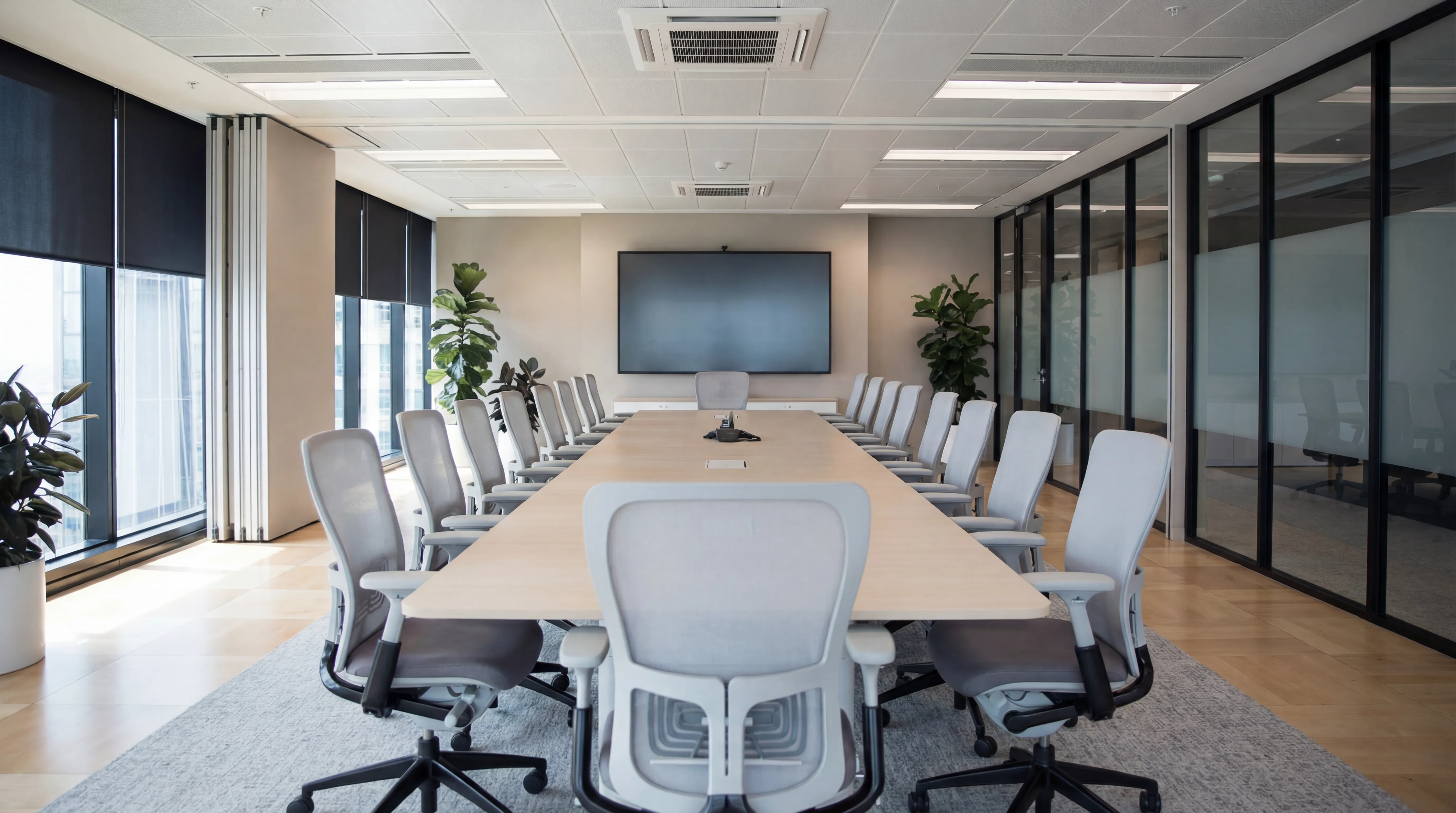
Professional video conferencing, presentation systems, and collaboration tools that make every meeting count.
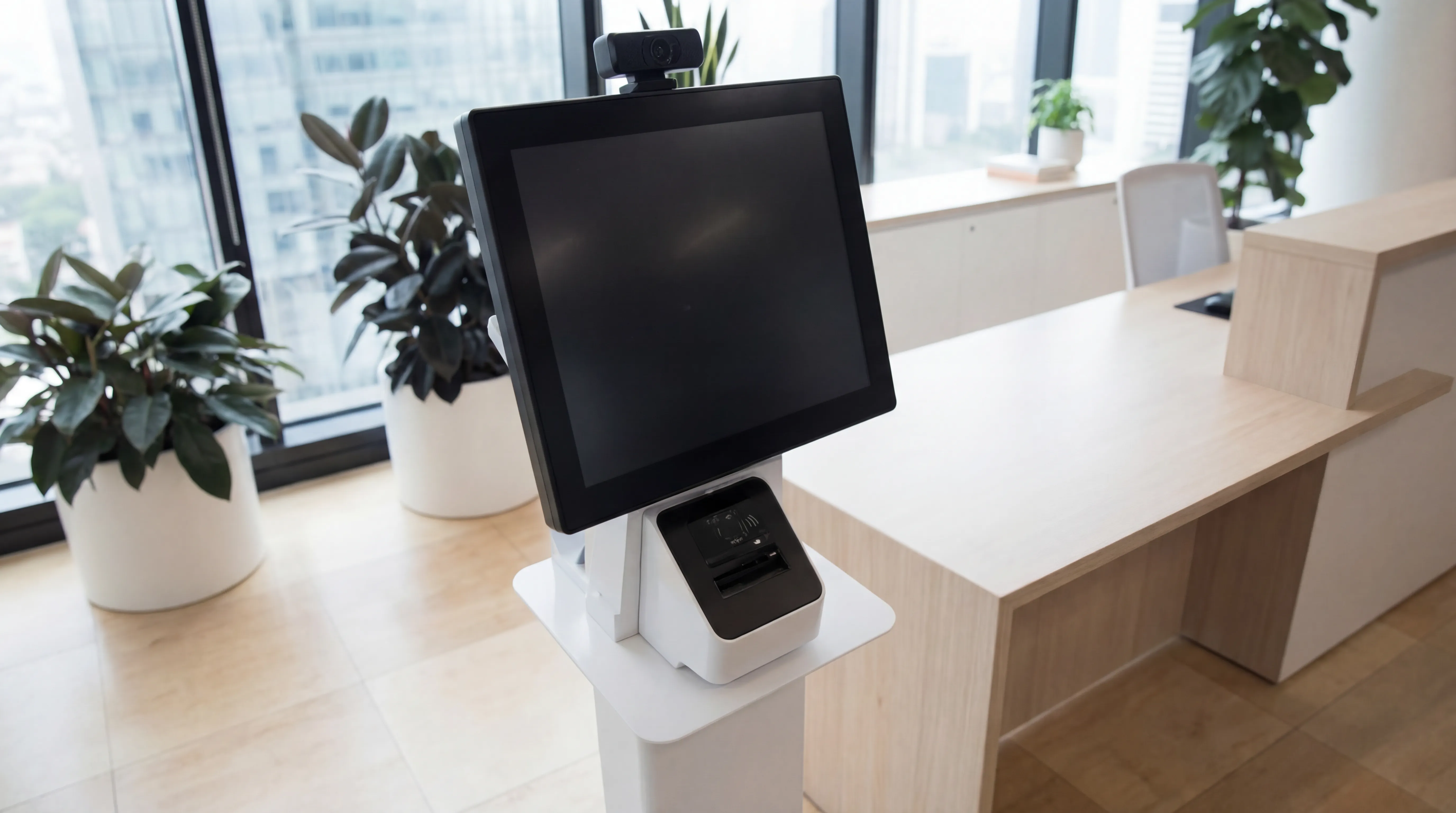
Visitor Systems
Modern digital sign-in, badge printing, and GDPR-compliant visitor management for a professional first impression.
Ready to discuss your workplace technology?
Talk to the team today. We will assess your needs, build you a tailored solution, and support you every step of the way.