.png)


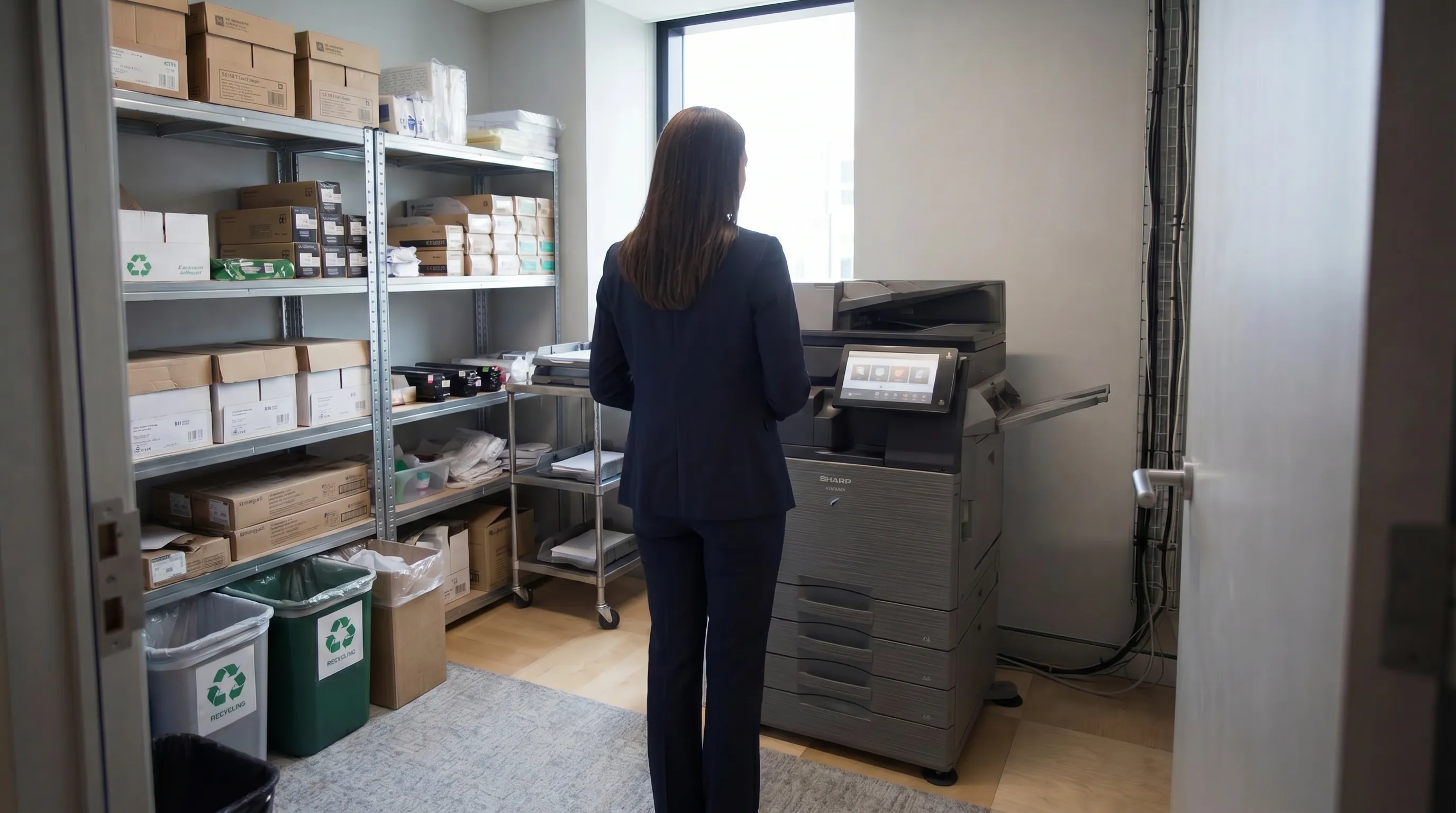
Most IT security conversations focus on laptops, servers, and email. Printers rarely make the list. Yet in many UK offices, network-connected printers hold sensitive data, communicate across the internet, and sit wide open to anyone who knows where to look. This is a problem that managed print services are increasingly being asked to solve.
This post sets out the key printer security risks, explains how they can be exploited, and outlines the practical steps you can take to protect your organisation.
Why Printers Are a Genuine Cybersecurity Risk
Modern multifunction devices (MFDs) are essentially computers. They run operating systems, connect to your network, store documents on internal hard drives, and in many cases have open ports for web-based management. Unlike your laptops, they rarely receive the same patching and monitoring attention, making them a soft target.
Common vulnerabilities include:
- Unpatched firmware: manufacturers release security updates regularly, but many devices run outdated firmware for months or years
- Default admin passwords: a significant proportion of office printers are left with factory credentials unchanged
- Open network ports: services like Telnet, FTP, and HTTP are often enabled by default and not needed in a secure environment
- Unencrypted data transmission: print jobs can travel across a network in plain text if encryption isn't configured
- Hard drive data retention: images of printed, scanned, and copied documents can persist on a device's internal drive long after the job is done
The Data Protection Angle
For UK organisations operating under UK GDPR, printer security isn't just an IT concern, it's a compliance obligation. Personal data processed through a printer (think HR documents, client contracts, medical records in healthcare settings) must be handled securely. A data breach caused by an unsecured printer is a reportable incident, with the associated reputational and regulatory consequences.
The Information Commissioner's Office (ICO) has been clear that technical and organisational measures must extend to all devices that handle personal data, and that includes printers.
Secure Print Release: The Simplest High-Impact Measure
One of the most effective controls costs very little to implement: secure print release, sometimes called Follow Me Print or Pull Printing.
How it works:
- A user sends a job to a central print queue rather than directly to a device
- The job waits in the queue until the user authenticates at the device, via PIN, swipe card, or app
- Only then does the document print, with the user standing right there to collect it
This eliminates uncollected documents left on printer trays, a surprisingly common source of data incidents. It also means sensitive documents are never sitting unattended on a shared device.
Network Segmentation for Print Devices
A well-configured network doesn't allow printers to communicate freely with all other systems. Placing print devices on a separate network segment (VLAN) limits what a compromised printer can access. This is standard practice in regulated sectors and increasingly expected in enterprise environments.
Your IT team or managed service provider should be able to advise on whether your current network architecture gives printers more access than they need.
Firmware Management: The Ongoing Obligation
Firmware updates fix known security vulnerabilities. Leaving devices unpatched is like leaving a known unlocked window in your building, you may not be targeted immediately, but it's only a matter of time.
Under a managed print service, firmware management is typically handled by the provider as part of the contract. Under an unmanaged arrangement, someone needs to own this task, and in many offices, nobody does.
Secure Disposal: What Happens to Retired Devices?
When a printer or MFD reaches end of life, its hard drive may contain thousands of stored document images. If the device is returned to a leasing company, sold secondhand, or simply disposed of without a proper wipe, that data goes with it.
Best practice requires:
- A cryptographic wipe or physical destruction of the internal drive before disposal
- A certificate of destruction provided by the disposing party
- A record kept for UK GDPR compliance purposes
When comparing managed print providers, ask specifically about their end-of-life data security process. It should be documented and automatic, not something you have to chase.
User Authentication and Access Controls
Not everyone in your organisation needs access to all print functions. A well-configured print environment allows you to:
- Restrict colour printing to specific roles or departments
- Limit scanning to email to authorised users
- Require authentication before accessing stored jobs or address books
- Log all activity by user for audit purposes
These controls are available on most modern MFDs but are rarely configured out of the box. Setting them up properly is part of what a managed print deployment should include.
A Quick Self-Assessment
If you're unsure where you stand, ask yourself:
- Do we know the firmware version running on every print device?
- Have default admin passwords been changed on all devices?
- Do we have a secure print release policy in place?
- Is there a documented process for wiping devices before disposal?
- Are our printers segmented from the main corporate network?
If the answer to any of these is "no" or "I'm not sure", there's work to do.
Concerned about print security in your organisation? future® Office can carry out a print security review alongside any managed print assessment. Talk to the team about securing your fleet.
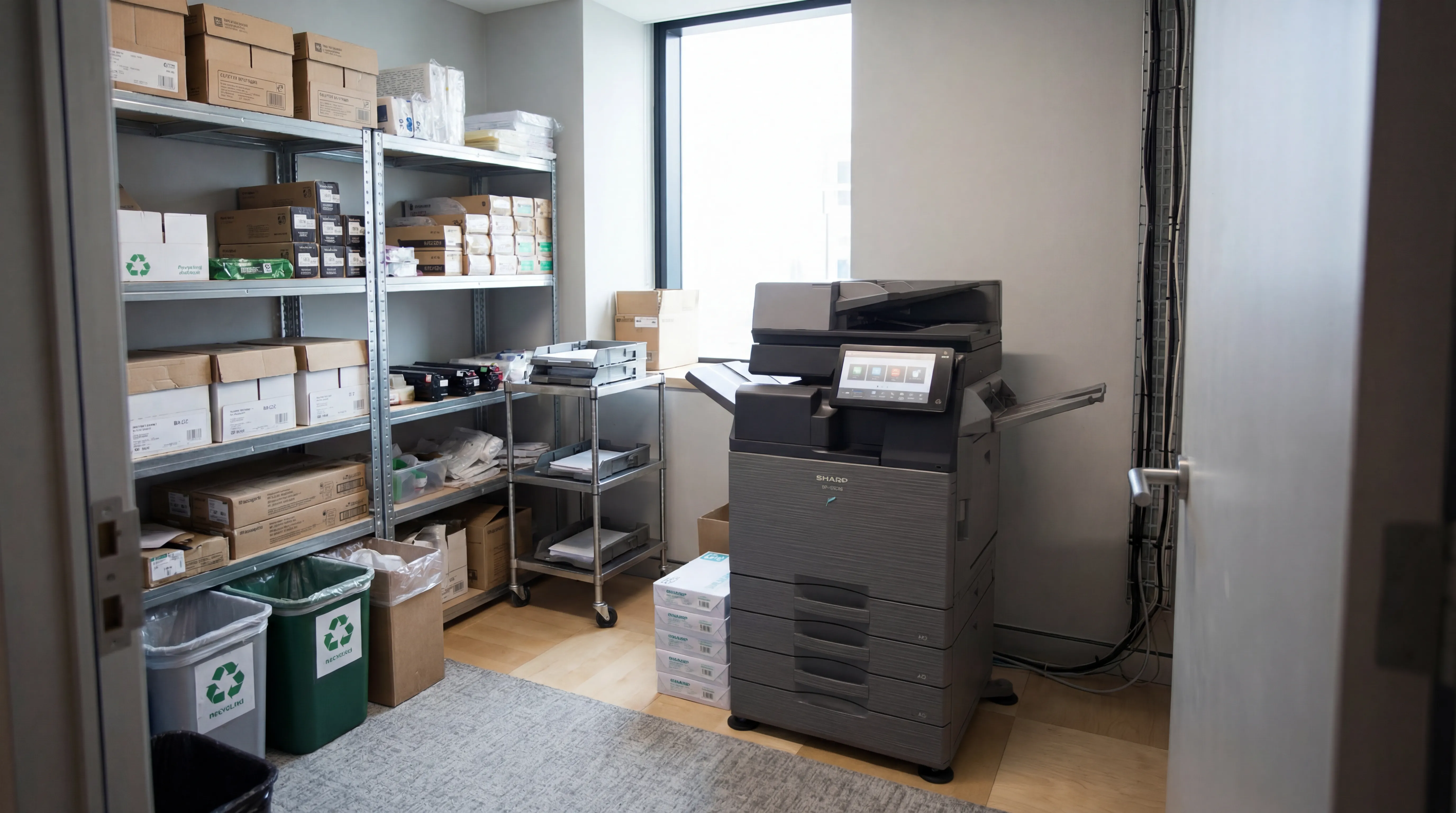
Managed Print
Reduce print costs, eliminate downtime, and keep your devices running with a managed print service tailored to your business.

Workplace IT
From device procurement to lifecycle management, we keep your teams equipped with the right technology.

Meeting Rooms
Professional video conferencing, presentation systems, and collaboration tools that make every meeting count.
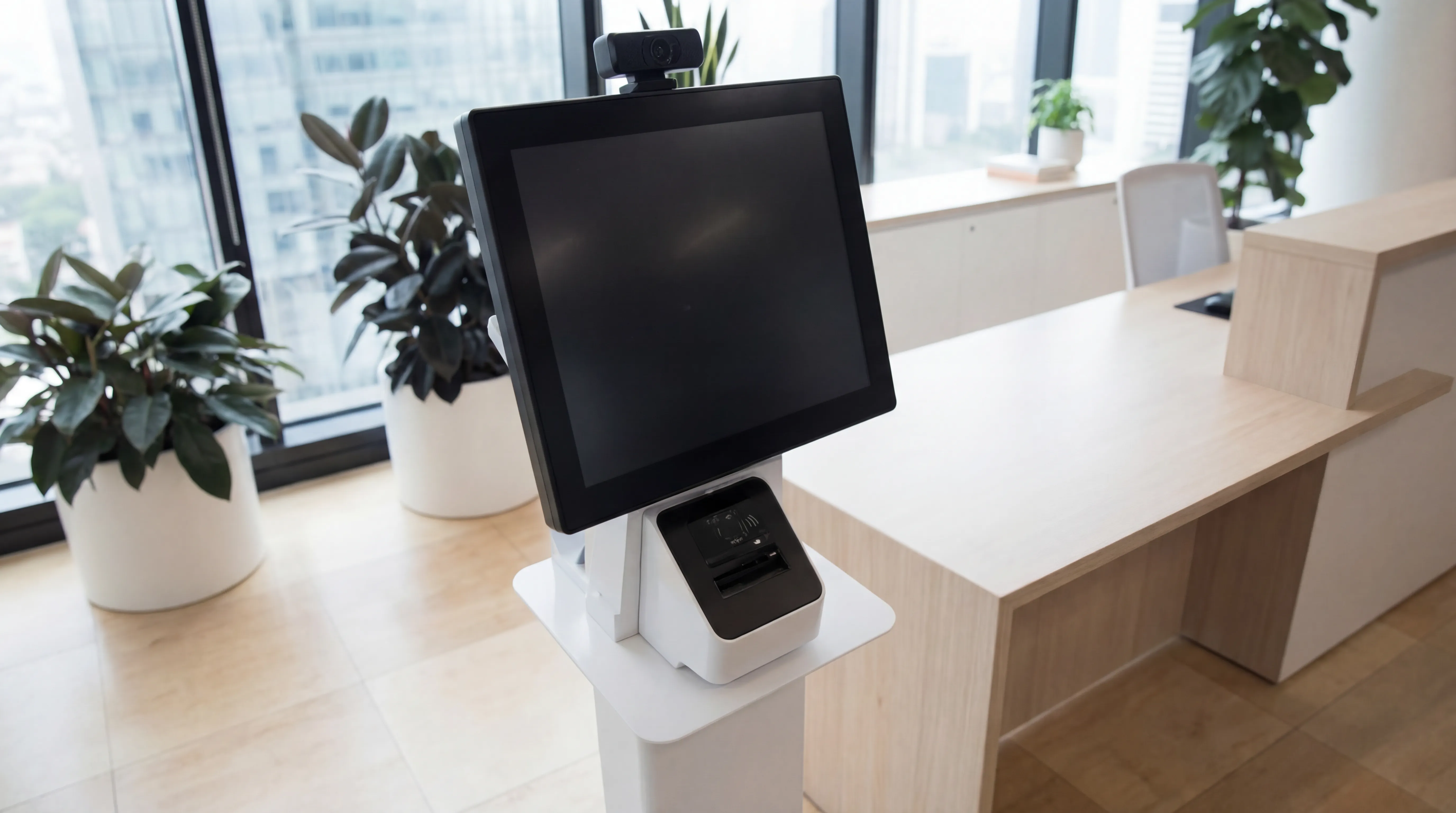
Visitor Systems
Modern digital sign-in, badge printing, and GDPR-compliant visitor management for a professional first impression.
Ready to discuss your workplace technology?
Talk to the team today. We will assess your needs, build you a tailored solution, and support you every step of the way.