.png)


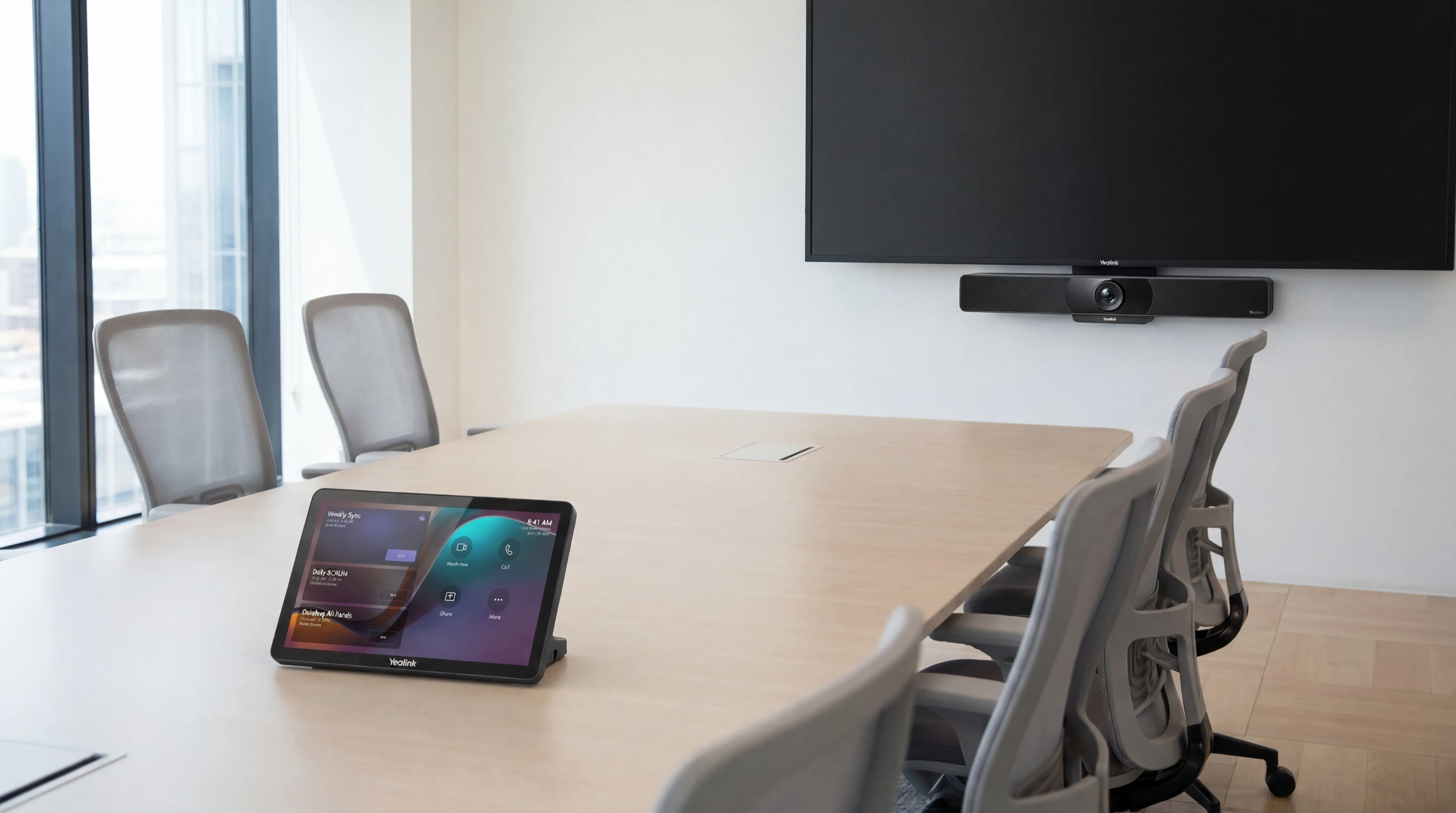
The humble HDMI cable causes more meeting room frustration than any other single piece of technology. The wrong adapter, the laptop that doesn't recognise the display, the frantic hunt for a dongle, all entirely avoidable. Wireless presentation systems eliminate cable dependency entirely for screen sharing, and the market has matured considerably. This guide explains what the main options are, how they differ, and which scenarios suit which approach.
Why Cable-Based Presentation Still Fails
Despite HDMI being the near-universal standard for display connectivity, cable-based presentation creates friction in meetings because:
- Newer laptops increasingly lack HDMI ports, USB-C is now common, requiring an adapter
- MacBooks use Thunderbolt/USB-C; older Windows laptops often have Mini DisplayPort, different adapters required
- Adapters get lost, break, or end up in someone's bag at a client site
- Cables long enough to reach all seats around a conference table are awkward to manage
- HDCP (content protection) on video files can prevent playback over some HDMI connections
In a busy office, the meeting room cable situation degrades over time unless actively managed.
How Wireless Presentation Works
All wireless presentation systems follow the same basic principle: a receiver unit connected to the room's display, and a transmitter (hardware button or software client) on the presenter's device. The presenter initiates sharing, the content appears on the display.
The variations are in how the connection is established, what content can be shared, and what quality is achievable.
The Main Options
Barco ClickShare
One of the most widely deployed enterprise wireless presentation systems. The classic model uses a physical USB button that the presenter plugs into their laptop, no software installation required, works on any device that supports USB display output. Newer models support software-only operation from a Windows, Mac, iOS, or Android device.
ClickShare is known for reliability and ease of use (the button is hard to misuse), supports high-quality 4K sharing, and integrates with Teams and Zoom for combined conferencing and presentation use. It's on the higher end of the market price-wise but is the default choice for many enterprise environments.
BenQ InstaShow
A strong alternative to ClickShare using a similar hardware-button approach. InstaShow uses Wi-Fi Direct, a peer-to-peer connection between the transmitter and receiver that doesn't touch the corporate network, which is a significant security advantage for IT teams concerned about wireless presentation traffic on their infrastructure. Strong image quality and reliable performance at a competitive price point.
Mersive Solstice
A software-based system that emphasises collaboration, multiple participants can share content simultaneously, choosing whether their content appears on the main display or a split-screen view alongside others. Useful for workshops and collaborative sessions where multiple presenters contribute. Requires software installation but supports Windows, Mac, iOS, and Android. Particularly strong in education and higher education environments.
Miracast and AirPlay (Consumer Protocols)
Some room displays support consumer wireless protocols, Miracast (Windows) and AirPlay (Apple). These can work acceptably in low-demand environments but are generally not recommended for enterprise meeting rooms because they're less reliable, have higher latency, and create more support burden than purpose-built enterprise systems.
Native Room System Screen Sharing
If the room has a dedicated room system (Teams Rooms, Zoom Rooms), the platform's built-in screen sharing may eliminate the need for a separate wireless presentation device. In Teams Rooms, a participant can share their screen wirelessly via the Teams desktop app. The trade-off is that this requires the presenter to be authenticated in the meeting, it doesn't work as a standalone "share to display" function.
Key Buying Considerations
Network Architecture
Some wireless presentation systems create their own Wi-Fi network; others connect to your existing infrastructure. IT teams need to understand what traffic goes over which network and ensure the solution doesn't create security issues. Peer-to-peer systems like BenQ InstaShow, which don't touch the corporate network, are often preferred in security-conscious environments.
Latency
Latency, the delay between what's on the presenter's screen and what appears on the display, varies between systems. For presentations and documents, latency of 100-200ms is imperceptible. For video, it becomes more obvious. For real-time applications like gaming demos or interactive design sessions, low-latency systems are important.
Simultaneous Sharing
If your meetings frequently involve multiple presenters wanting to show content, check whether the system supports multi-user sharing and how it handles switching. Some systems require the current presenter to explicitly yield before the next can share; others have a more fluid switching model.
Guest Access
For rooms used with external guests who can't install software, hardware-button systems are more reliable than software-only approaches. Guests can share content without any preparation.
Installation and Management
Enterprise wireless presentation systems need to be managed, firmware updates, network configuration, and integration with room management platforms. Look for systems with cloud-based management consoles, particularly if you're deploying across multiple rooms or sites.
Looking to eliminate cable frustration from your meeting rooms? future® Office supplies and installs wireless presentation systems as part of our meeting room AV service. Get in touch to discuss the right solution for your space.
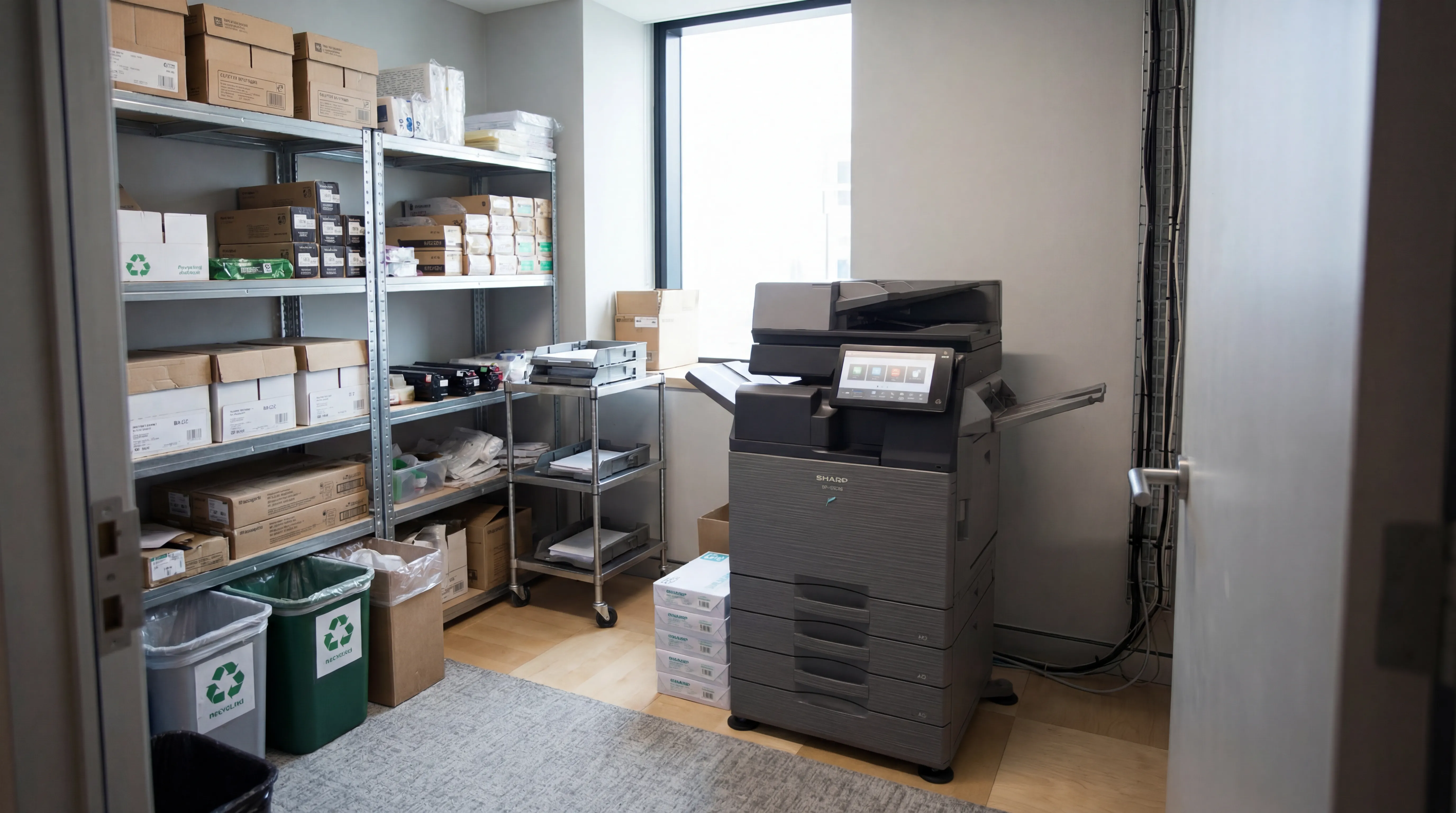
Managed Print
Reduce print costs, eliminate downtime, and keep your devices running with a managed print service tailored to your business.

Workplace IT
From device procurement to lifecycle management, we keep your teams equipped with the right technology.

Meeting Rooms
Professional video conferencing, presentation systems, and collaboration tools that make every meeting count.
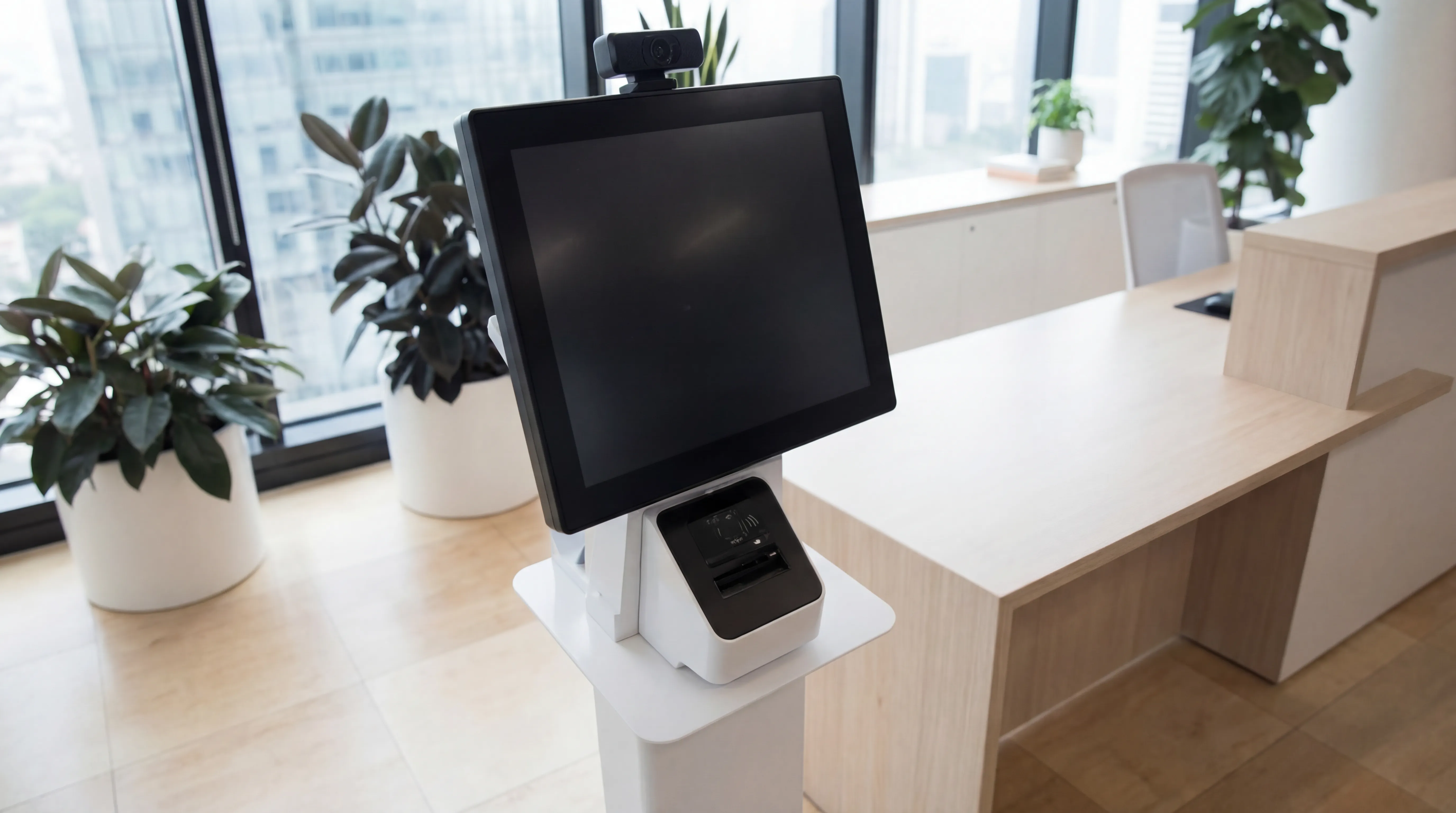
Visitor Systems
Modern digital sign-in, badge printing, and GDPR-compliant visitor management for a professional first impression.
Ready to discuss your workplace technology?
Talk to the team today. We will assess your needs, build you a tailored solution, and support you every step of the way.