.png)


Secure Printing Guide

How to stop confidential documents leaking from your print room, and keep your print estate GDPR-ready.
Printers are often the forgotten endpoint in a security policy. They store data, sit on your network, and produce physical documents that anyone walking past the tray can pick up. For organisations handling personal or regulated data, that's a real risk. This guide explains the practical steps to secure print without making it a chore for staff.
Why print is a security blind spot
A modern MFP is a networked computer with a hard drive. It can hold copies of every document it processes, it connects to email and folders, and it produces paper that bypasses every digital control you have. Uncollected printouts in a shared tray are one of the most common, and most avoidable, data exposures in any office.
Secure release: the single biggest win
Secure (pull) printing holds a job in the user's personal queue until they authenticate at the device with a PIN, password or ID card. The page only prints when they're standing there to collect it.
It eliminates uncollected confidential documents, cuts waste from forgotten jobs, and gives you a record of who printed what.
Quick win
Enabling secure release across your fleet typically reduces total print volume too, a surprising number of jobs are sent, forgotten and never collected. Less waste, lower cost, better security.
Lock down the device itself
- Encrypt the internal hard drive so stored images can't be read if the device is removed
- Enable automatic data overwrite so job data is wiped after printing
- Change default admin passwords, a step that's missed alarmingly often
- Restrict and secure the control panel and remote web interface
- Keep firmware up to date to close known vulnerabilities
Control who can do what
User authentication lets you set rules: who can print in colour, who can scan to external email, who can access which device. It also produces an audit trail, which is invaluable if you ever need to demonstrate compliance.
Print and GDPR
Under UK GDPR, personal data on paper and in device memory is still personal data. Good practice includes minimising what's stored on devices, securing data in transit and at rest, controlling access, and securely wiping drives at end of life.
When a leased or owned device is returned or disposed of, insist on a certificate of data erasure, the hard drive may contain thousands of document images.
End-of-life data
Always obtain written confirmation that a device's drive has been securely wiped or destroyed before it leaves your premises. This is one of the most overlooked GDPR risks in the print estate.
Your secure print checklist
- Secure release enabled across the fleet
- Device hard drives encrypted and auto-overwrite on
- Default admin passwords changed; web interface secured
- User authentication and access rules in place
- Firmware kept current
- Audit trail available for compliance
- Certified data erasure at device end-of-life
Ready to take the next step?
future® Office configures secure release, device hardening and certified data erasure as standard on managed fleets across the UK. Run our Secure Print Check to see where your current setup may be exposed.

Download this Guide
Click below to download a PDF copy.
.webp)
.webp)
.webp)
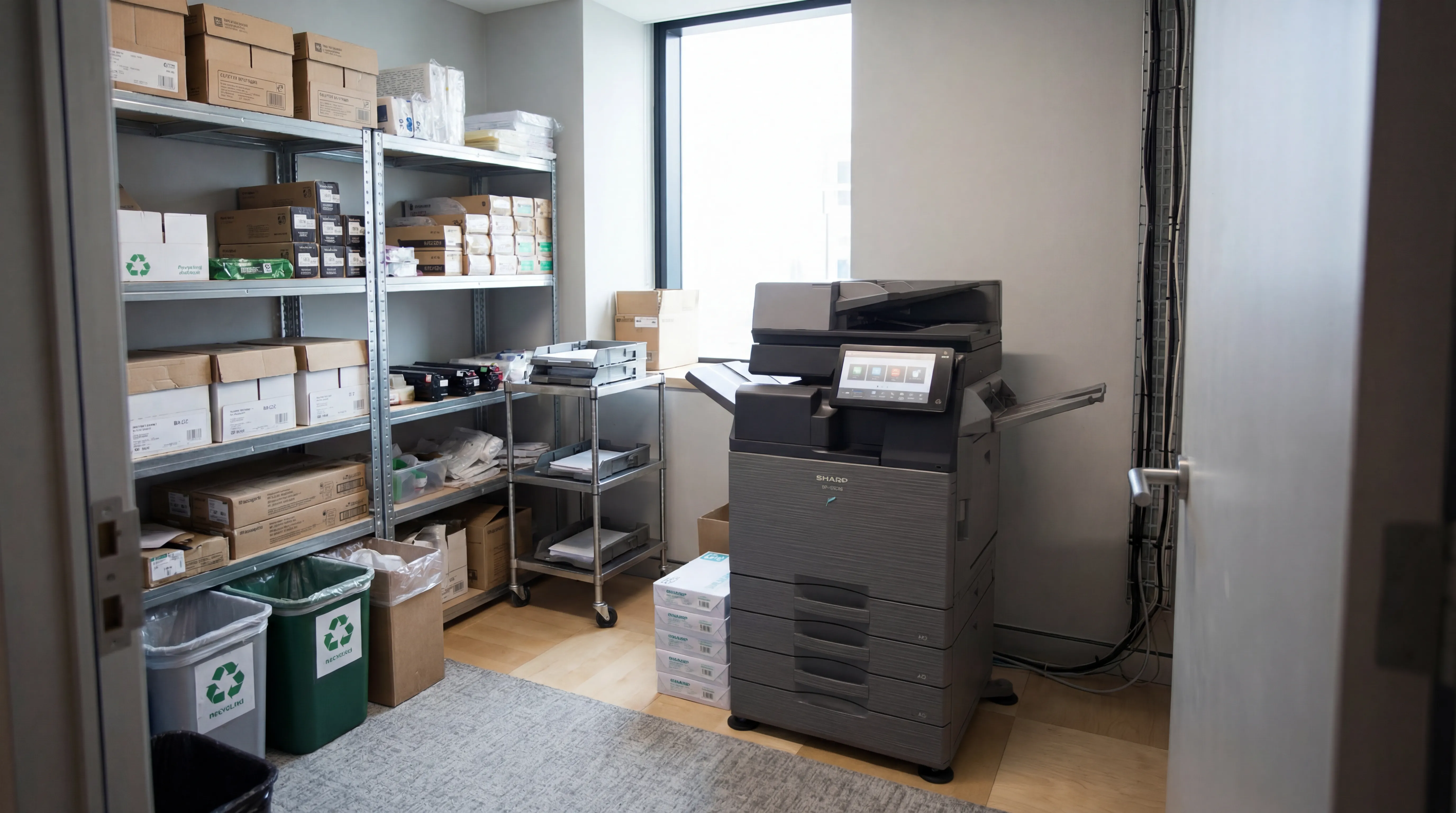
Managed Print
Reduce print costs, eliminate downtime, and keep your devices running with a managed print service tailored to your business.

Workplace IT
From device procurement to lifecycle management, we keep your teams equipped with the right technology.

Meeting Rooms
Professional video conferencing, presentation systems, and collaboration tools that make every meeting count.
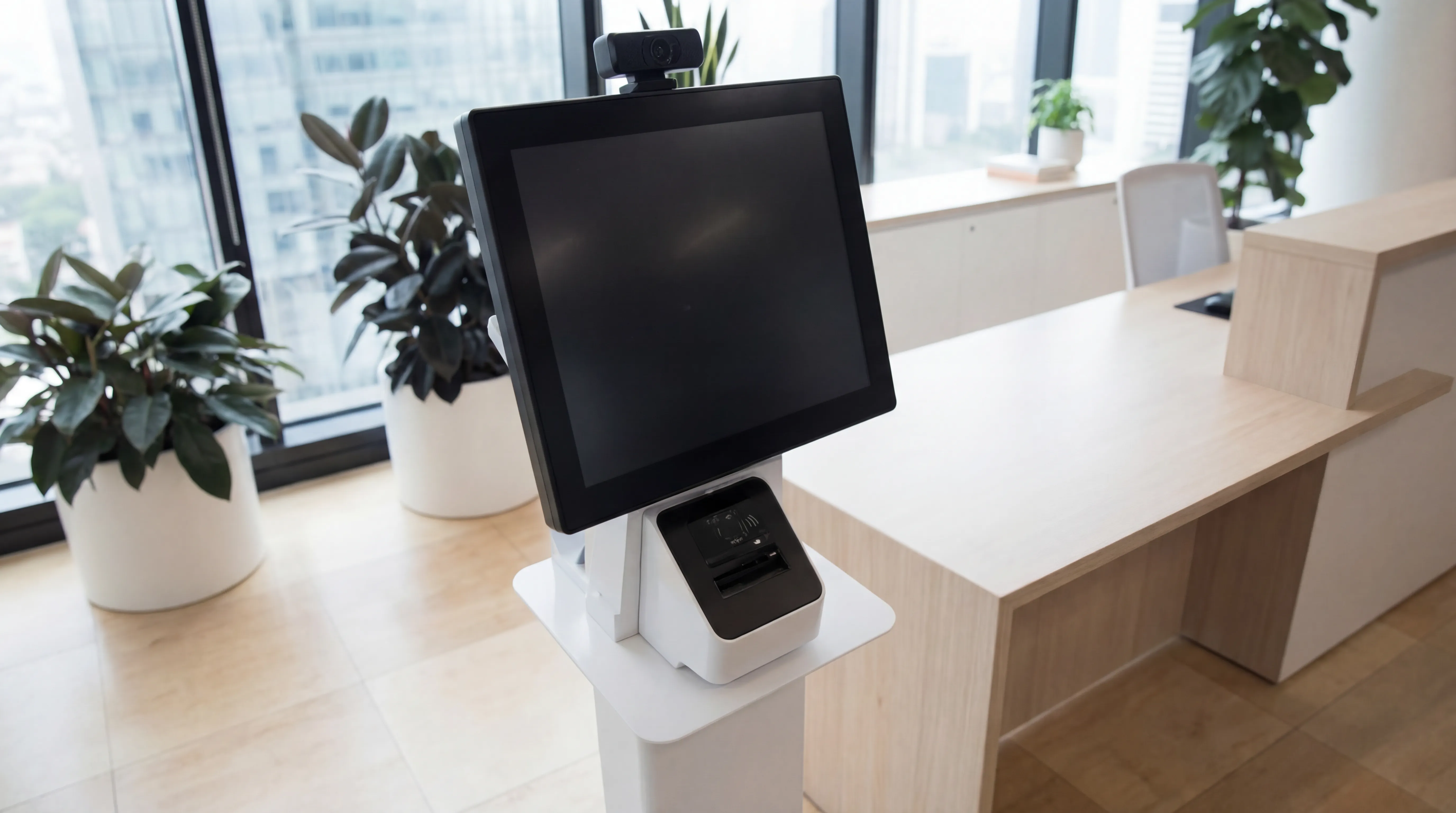
Visitor Systems
Modern digital sign-in, badge printing, and GDPR-compliant visitor management for a professional first impression.
Ready to discuss your workplace technology?
Talk to the team today. We will assess your needs, build you a tailored solution, and support you every step of the way.