.png)


The Meeting Room Guide

How to design meeting and conference spaces that just work, for hybrid teams, clear audio and effortless collaboration.
Few things drain a team's goodwill faster than a meeting room that won't connect, a call no one can hear, or ten minutes lost to cables and adaptors. With hybrid working now the norm, your meeting spaces are where in-office and remote colleagues meet, and they need to work first time, every time. This guide covers how to get them right.
Design for the room, not the catalogue
The right kit depends entirely on room size and use. A huddle space for four needs something very different from a boardroom for sixteen. Start by classifying your rooms, then specify to each.
Room typeTypical capacityPriorityHuddle / focus2-4Simple all-in-one video bar, one-touch joinStandard meeting5-8Good camera + audio, single display, easy sharingBoardroom9-16+Dual display, multiple mics, presentation systemTraining / town hall16+PA audio, large display(s), ceiling mics
Audio matters more than video
If remote colleagues can't hear clearly, the meeting fails, no matter how good the picture is. Yet audio is the most commonly under-specified element. In anything larger than a huddle space, invest in proper microphones (often ceiling-mounted) and speakers sized to the room.
Echo, background noise and people drifting out of mic range are the usual culprits. Good audio design solves all three.
The remote-first test
Judge every room by the experience of the person dialling in, not the people sitting in it. If remote colleagues can hear and see clearly and contribute easily, the room works.
Make joining effortless
The best meeting rooms are the ones nobody thinks about. One-touch join, a single cable or wireless sharing, and consistent kit across rooms mean staff and visitors can walk in and start on time.
Standardising your platform (Teams, Zoom, Google Meet) and your hardware across rooms dramatically reduces support calls and confusion.
- One-touch join from a room calendar or controller
- Wireless presentation as well as a wired option
- Consistent hardware and layout across rooms
- Clear, simple in-room signage or controls
Don't forget the room itself
Lighting, acoustics and the position of the display all affect how a space performs on camera and in person. Avoid backlighting people against windows, treat hard echoey surfaces where you can, and mount displays at a sensible height for everyone.
Plan for support and scale
Meeting room technology needs maintaining like any other system. Room monitoring, firmware updates and a clear support route keep spaces reliable. If you're rolling out across multiple rooms or sites, standardisation and a managed support model pay for themselves quickly.
Your meeting room checklist
- Rooms classified by size and use
- Audio specified properly for each room size
- One-touch join and easy sharing in place
- Platform and hardware standardised across rooms
- Lighting, acoustics and display placement considered
- Support and monitoring model agreed
- Room design tested from the remote attendee's point of view
Ready to take the next step?
future® Office designs, installs and supports meeting and conference room technology across the UK, from huddle spaces to boardrooms. If you're planning a refresh, talk to our team about a tailored solution.

Download this Guide
Click below to download a PDF copy.
.webp)
.webp)
.webp)
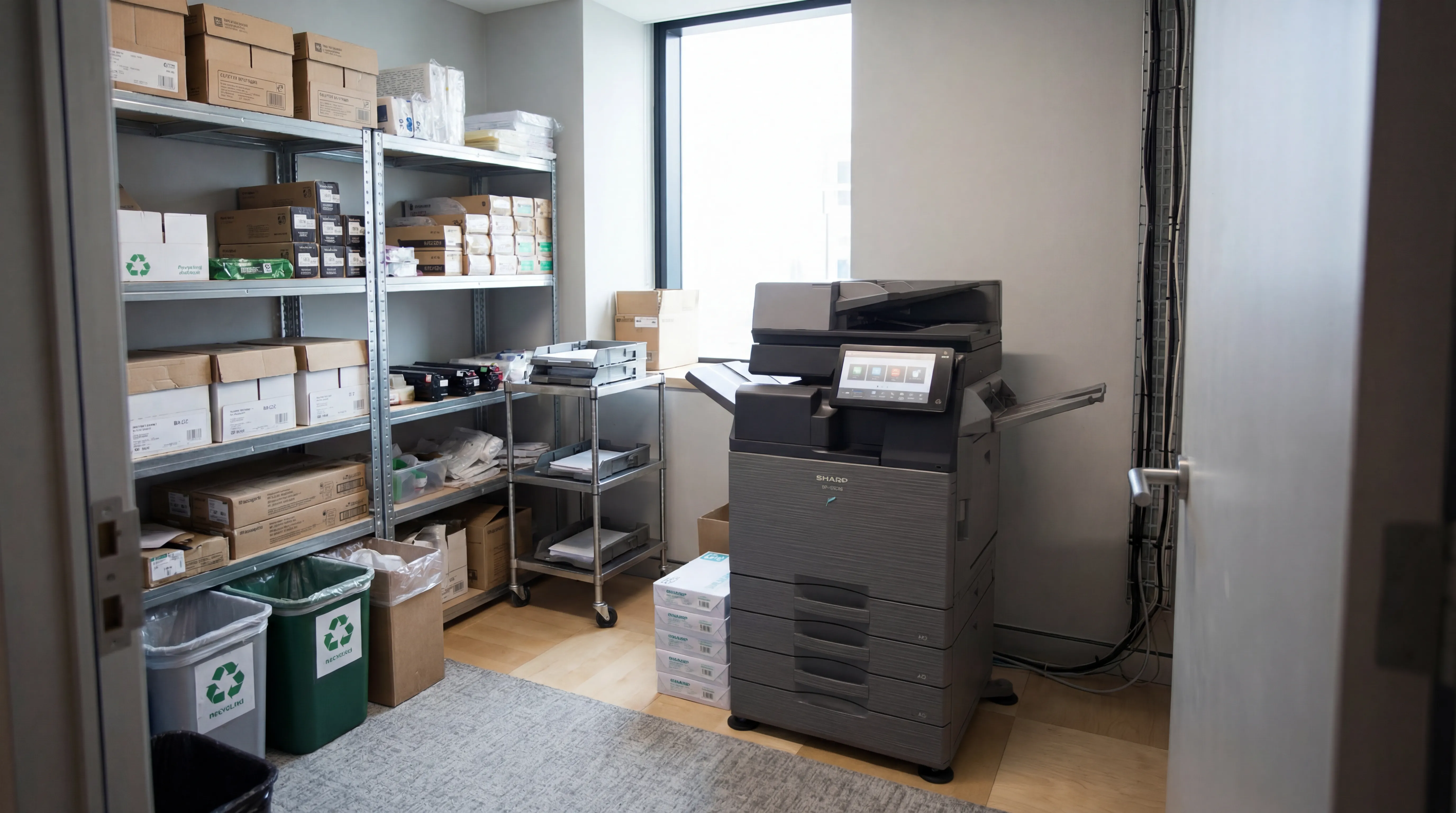
Managed Print
Reduce print costs, eliminate downtime, and keep your devices running with a managed print service tailored to your business.

Workplace IT
From device procurement to lifecycle management, we keep your teams equipped with the right technology.
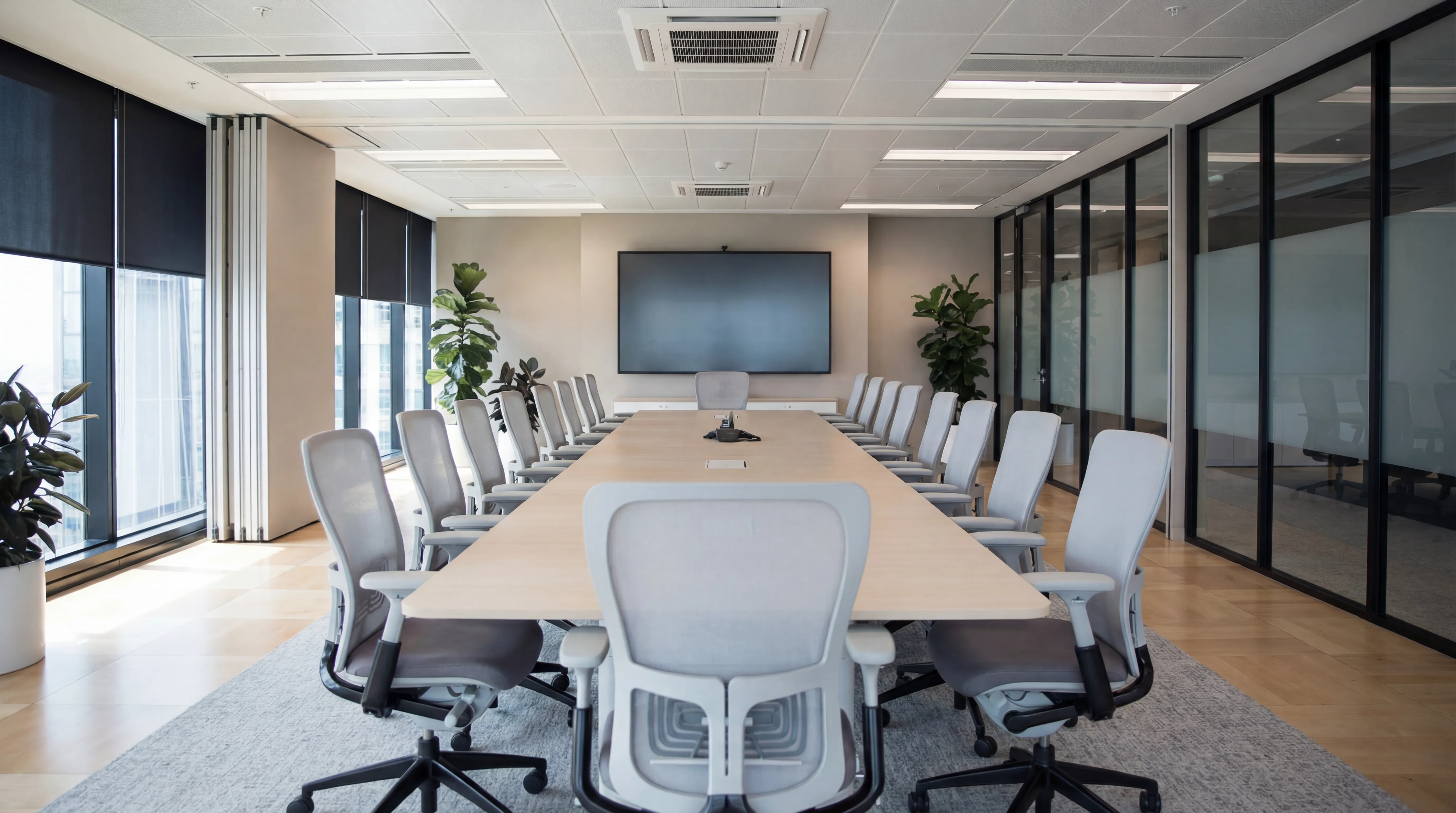
Meeting Rooms
Professional video conferencing, presentation systems, and collaboration tools that make every meeting count.
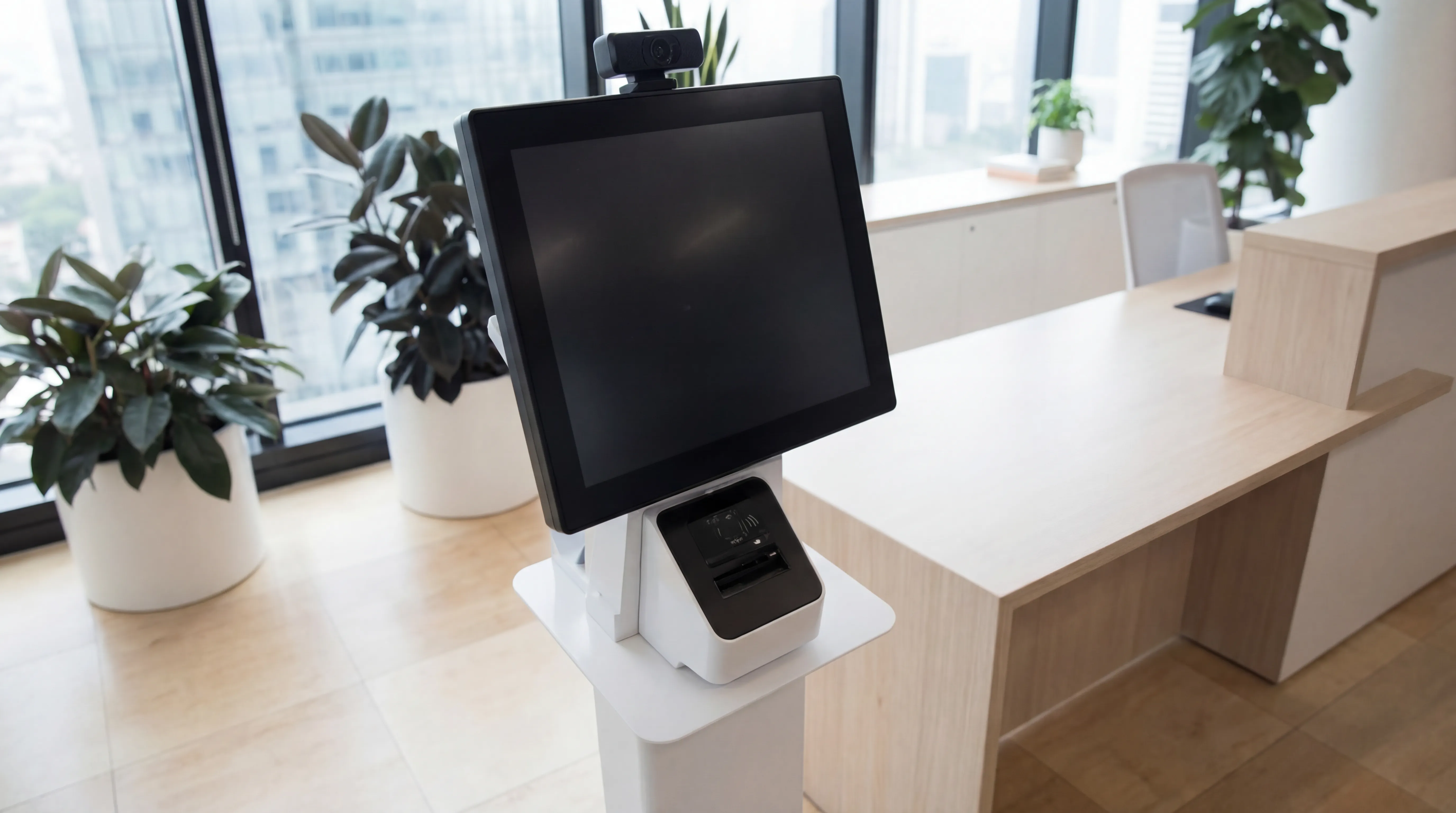
Visitor Systems
Modern digital sign-in, badge printing, and GDPR-compliant visitor management for a professional first impression.
Ready to discuss your workplace technology?
Talk to the team today. We will assess your needs, build you a tailored solution, and support you every step of the way.