.png)


Yealink Meeting Room Devices for UK Businesses
future® Office supplies, installs and supports Yealink all-in-one video bars and meeting room systems, combining 4K camera, microphone array, speakers and compute in a single, cable-free unit.
Yealink Meeting Room Challenges Holding Teams Back
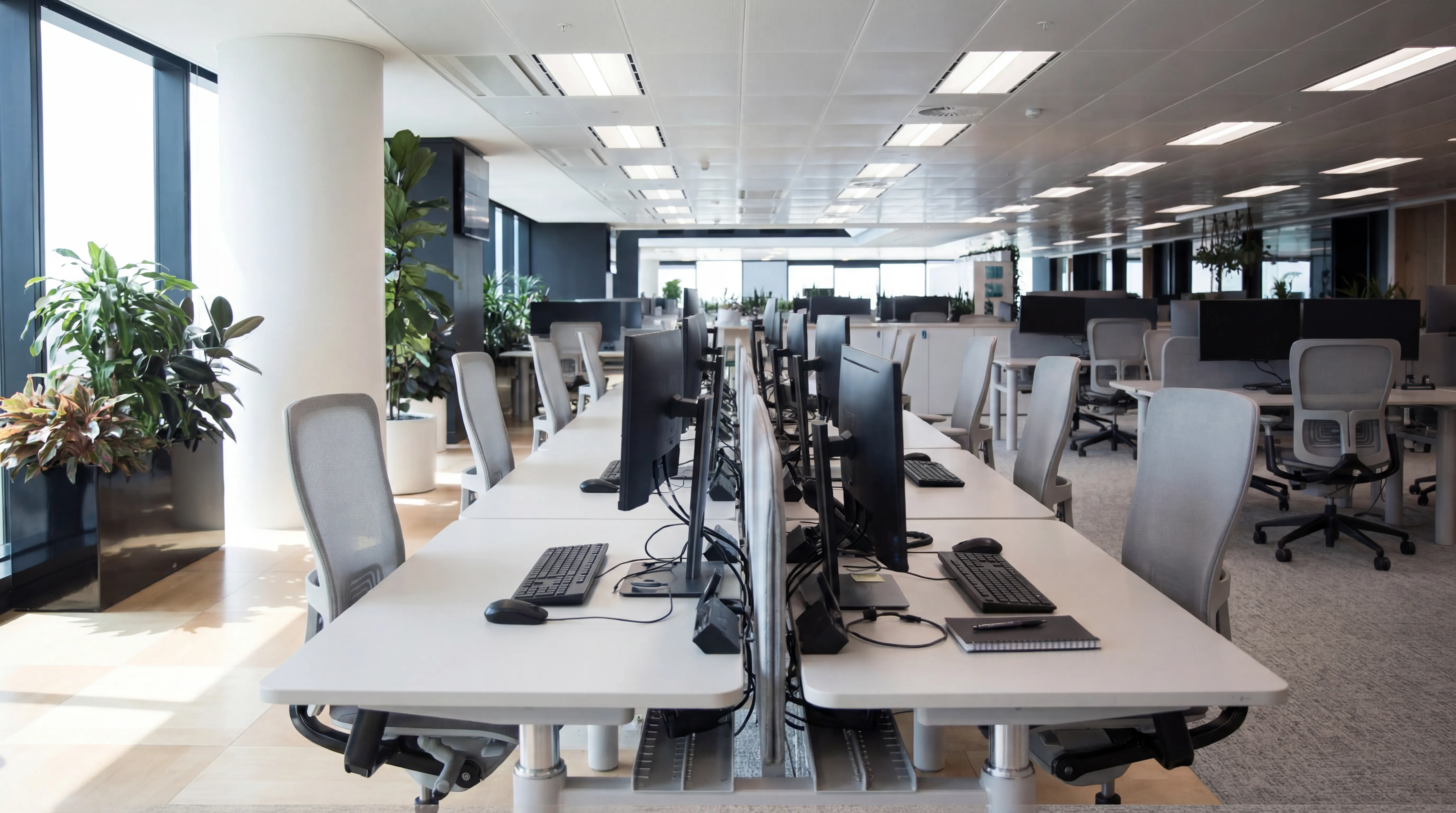
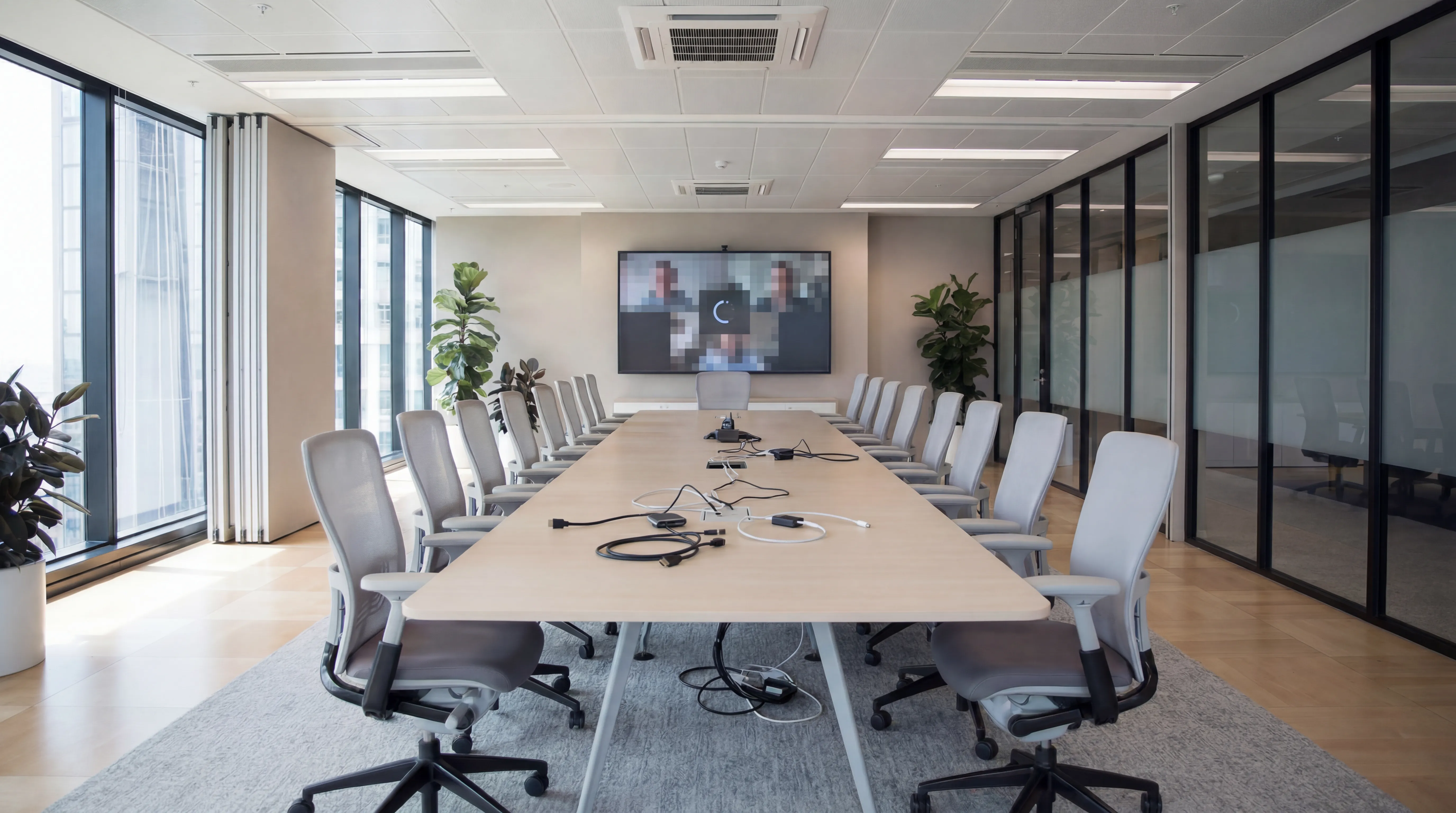
Cables and Adapters in Every Room
Staff lose valuable meeting time connecting laptops, dongles and peripherals because the room lacks a simple shared video system.
Poor Audio and Video in Larger Spaces
Basic webcams and speakerphones fail in bigger rooms, creating echo, muffled speech and cropped views that frustrate remote participants.
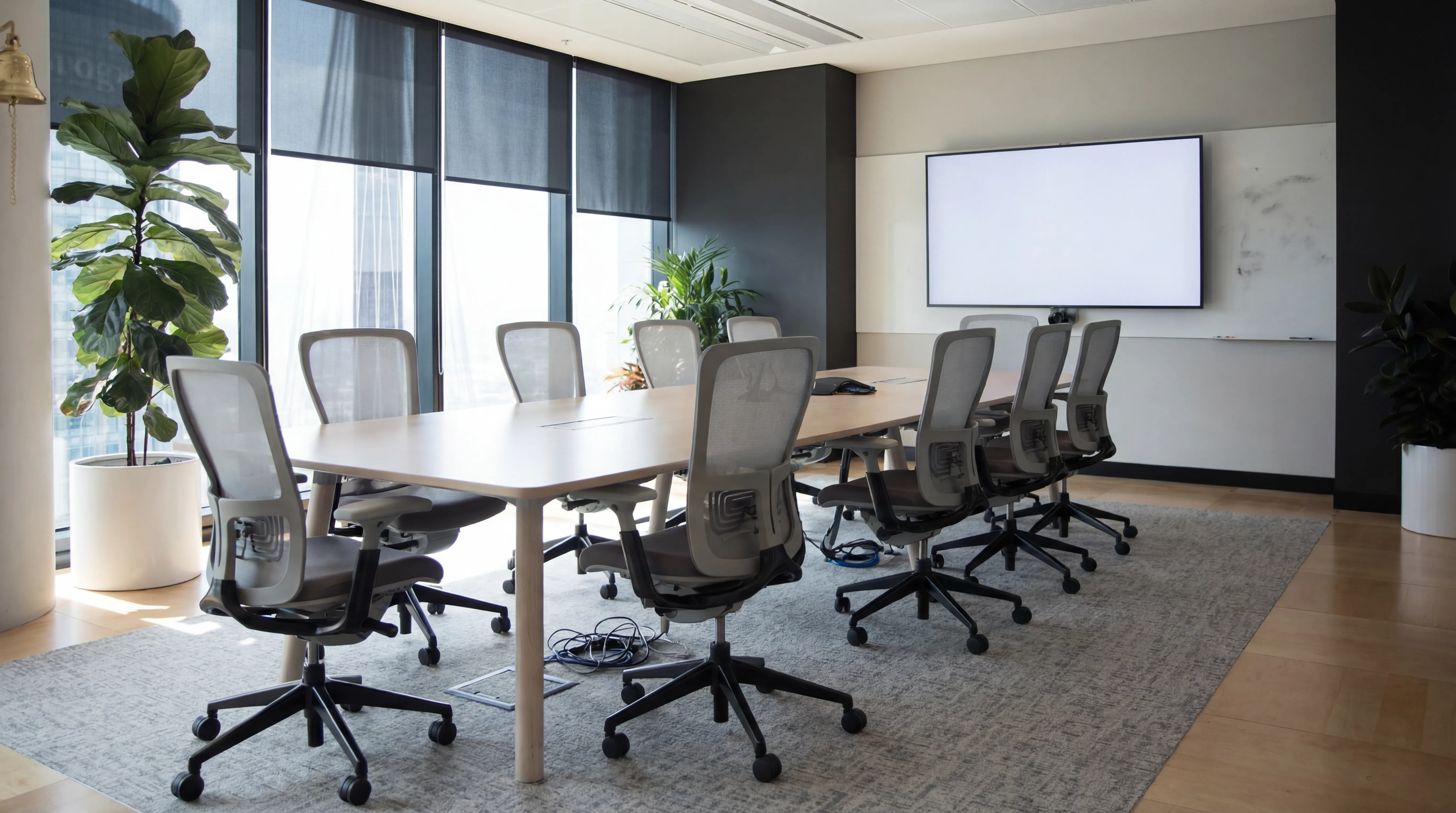
Inconsistent Room Setups
Each meeting space works differently, so people avoid the room technology and default back to personal laptops.
No Central Device Management
IT lacks visibility over firmware versions, device health and usage across meeting rooms spread across multiple sites.
Yealink Meeting Room Technology, Specified and Deployed Properly
We Specify Yealink Hardware for Your Room Size
From compact MeetingBars for huddle spaces to MeetingEye panoramic systems for boardrooms, we match camera coverage and audio reach to each room.
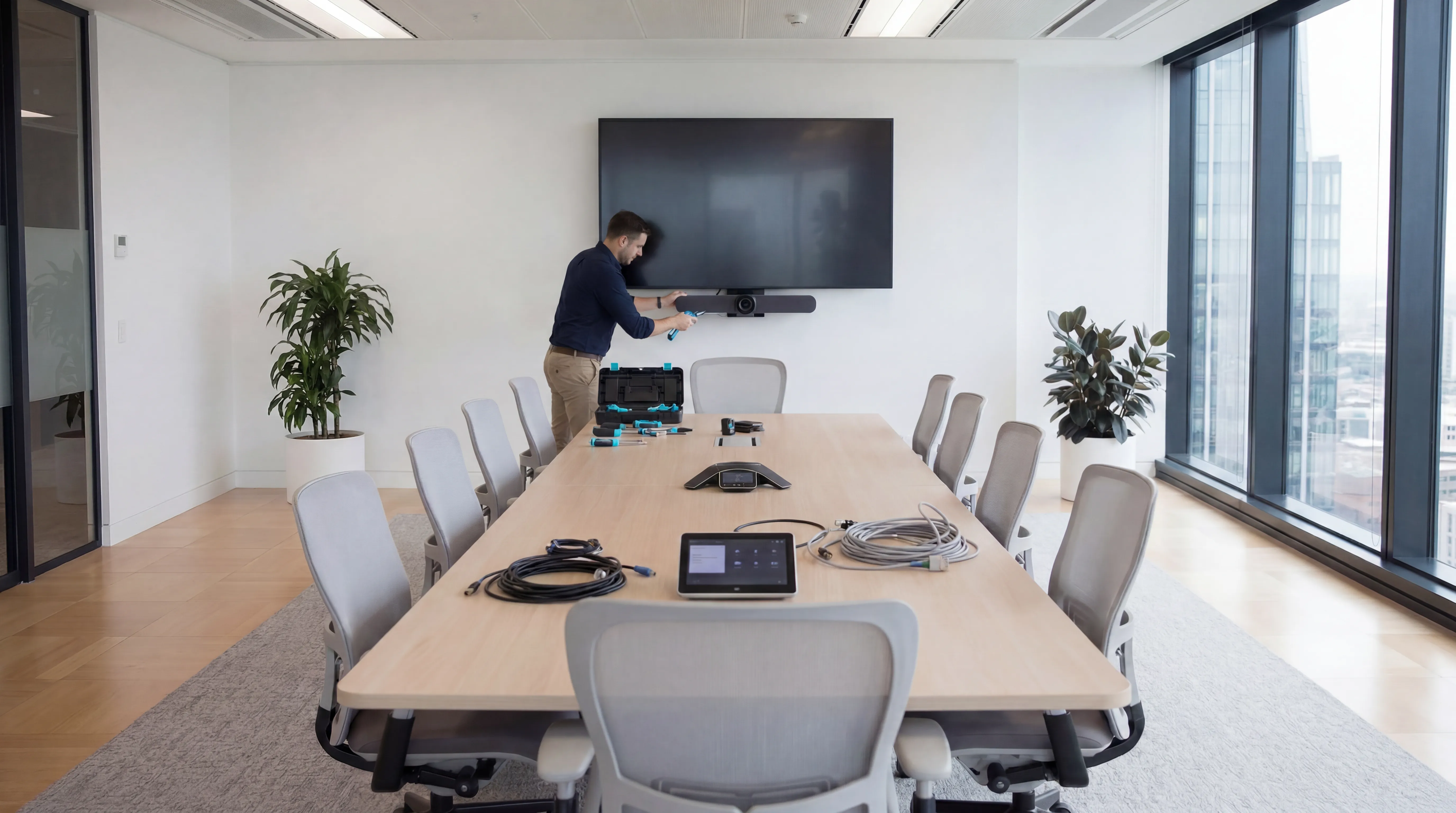
We Handle Installation, Integration and Platform Setup
Our engineers install, cable and configure Yealink devices for Microsoft Teams, Zoom or Google Meet, whichever platform your organisation standardises on.
Manage Devices via Yealink Device Management Platform
Rooms are enrolled for remote monitoring, firmware updates and diagnostics, giving IT clear visibility without visiting every site.

What a Properly Deployed Yealink Estate Delivers
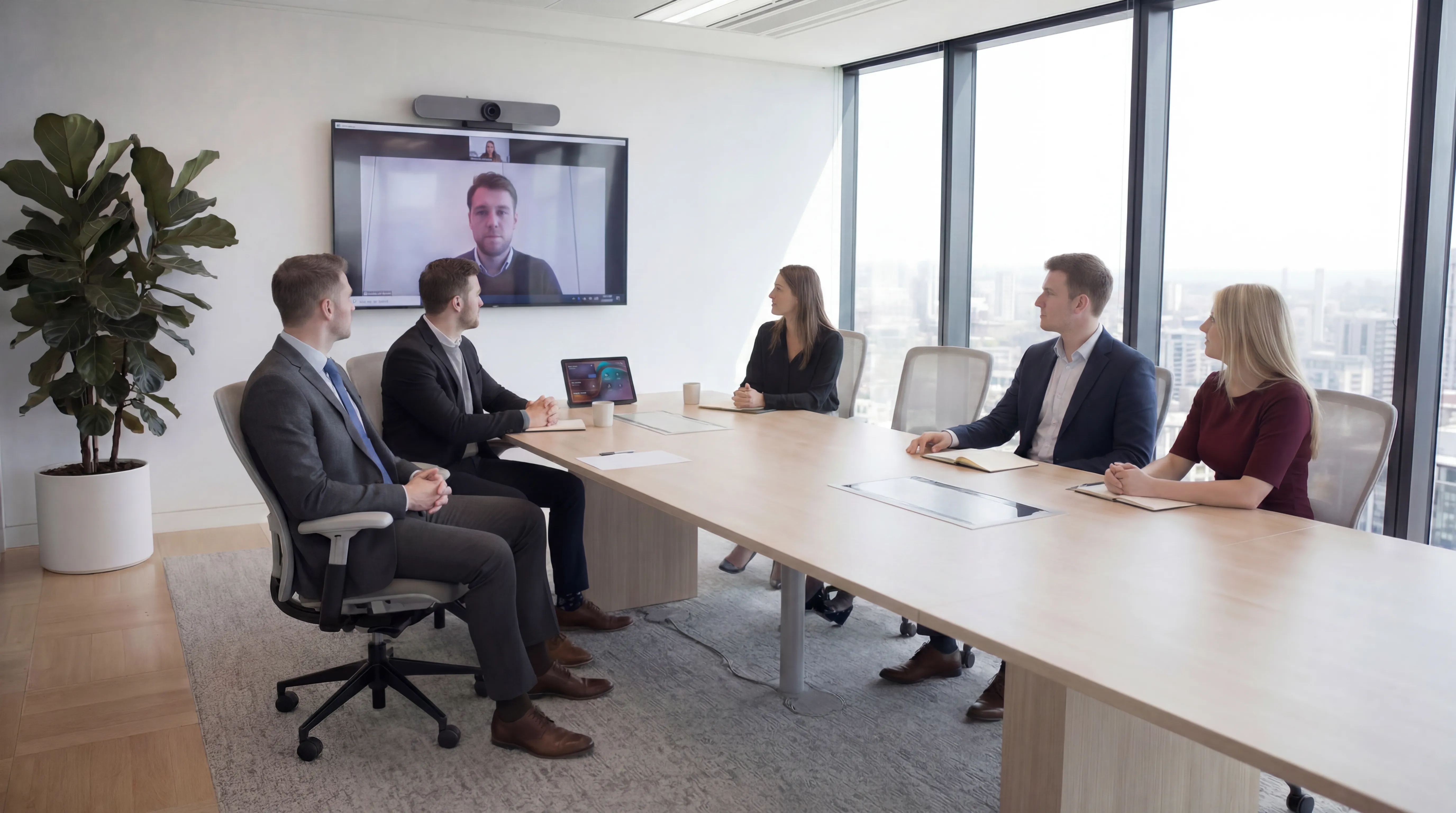
Yealink systems deployed correctly give teams a clean, one-touch meeting experience that feels professional on every call, without a laptop on the table.
.png)
All-in-One Video Bar Design
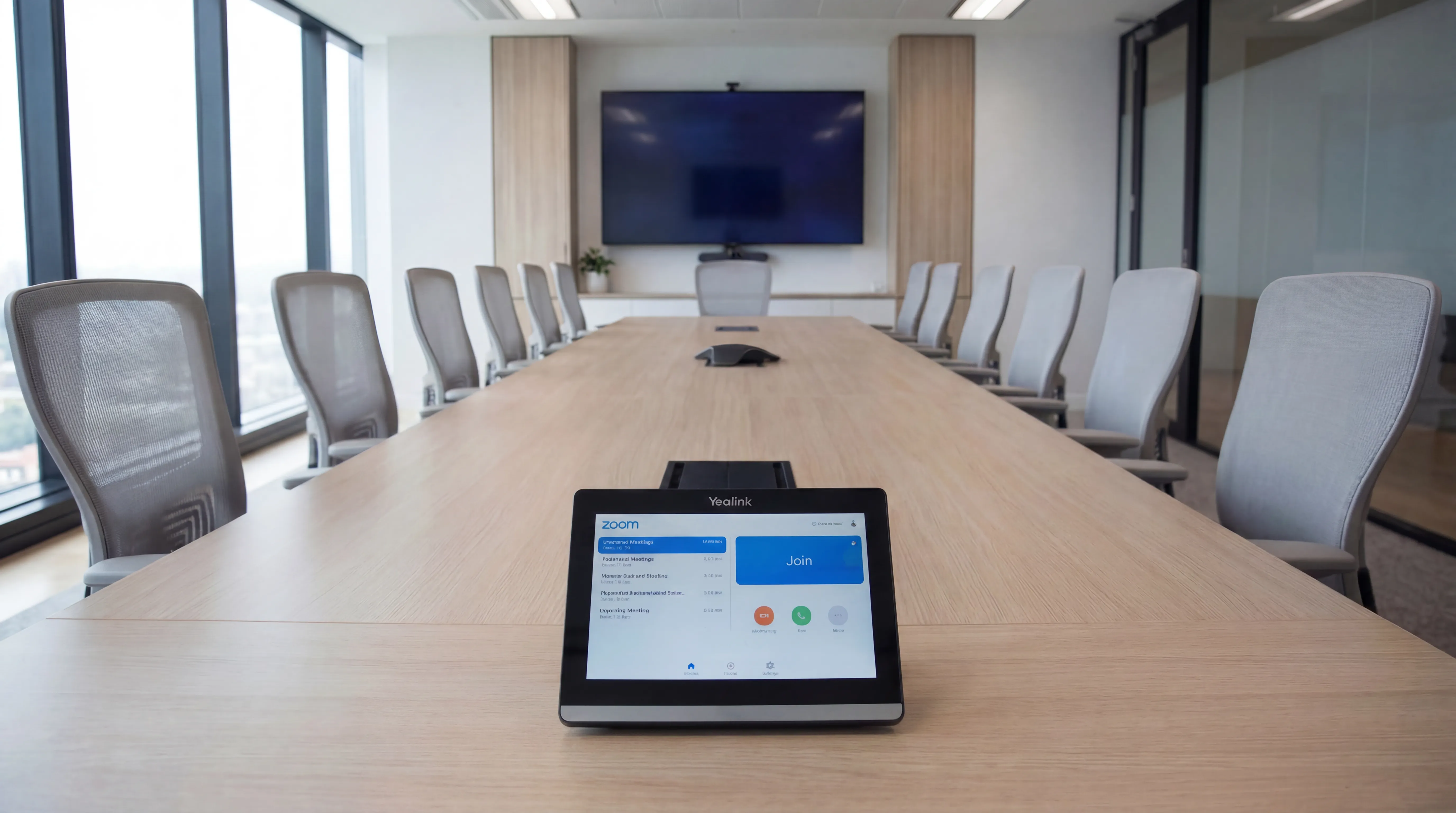
One-Touch Join on Your Platform
Consistent Experience Across Rooms
Remote Monitoring and Firmware Control
Scales from Huddle to Boardroom
UK Installation and Ongoing Support
Technology built around your sector
Every industry faces different operational pressures, compliance requirements, and budget constraints.
.png)
What our customers say
Hundreds of UK organisations trust future® Office to keep their workplaces running smoothly.

Your questions answered...
Find quick answers to common questions about our services, support and how we work.
Still have questions?
Our team is happy to help. Call us, email us, or request a call back at a time that suits you.
Yealink MeetingBar and MeetingEye systems combine a 4K camera, microphone array, speakers and built-in compute in one unit, designed for dedicated meeting rooms rather than laptop-based calls.
Yes. We specify Yealink hardware certified for Microsoft Teams Rooms and Zoom Rooms, as well as native Google Meet setups. We align the device model and licensing to your chosen platform.
Huddle spaces often suit MeetingBar A10 or A20 units; standard meeting rooms use MeetingBar A30 or A40; larger boardrooms benefit from MeetingEye 360 or 500 panoramic systems. We survey each room before specifying.
Yes. We roll out standardised room kits across sites with consistent configuration, asset tagging and documentation, so every location works the same way for your users.
We provide UK-based remote troubleshooting, firmware updates and on-site engineer visits where required. Managed support agreements can cover your full Yealink meeting room estate.
Still have questions?
Our team is happy to help. Call us, email us, or request a call back at a time that suits you.
Ready to discuss your workplace technology?
Talk to the team today. We will assess your needs, build you a tailored solution, and support you every step of the way.